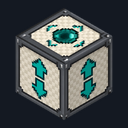
Elevator Block
Crafting table, makes 4
- White wool ×4
- Iron ingot ×4
- Ender pearl ×1
Top row: White wool, Iron ingot, White wool. Middle row: Iron ingot, Ender pearl, Iron ingot. Bottom row: White wool, Iron ingot, White wool.
Jump to ride up a floor and crouch to ride down, no stairs needed
Early accessBlock mod in Transport and Building & decor
In the Survival Essentials collection
Free on 20 November
Its free download opens here on 20 November, with no account needed.
Consoles and Java Edition can’t import packs.
Every ModChest mod is checked against the others, so no two use the same block, item or creature.
Place Elevator Blocks in the same column, one on each floor, with 2 blocks of air on top of each so you can stand there. Stand on one and jump to ride to the nearest Elevator Block above, or crouch to ride to the nearest one below. You arrive standing on top of it, still facing the same way, with a soft teleport sound and a few purple sparkles, and the text above your hotbar names your floor, like "Floor 2 of 4", counted from the bottom.
The floors and ceilings between Elevator Blocks don't matter, but each trip reaches at most 32 blocks, and an Elevator Block without 2 blocks of air on top is skipped. When there's nowhere to go, the text above your hotbar says so. After each trip there's a half-second pause, so holding jump rides one floor at a time. On touch screens every tap of the crouch button rides one floor down, even the tap that stops crouching. Elevator Blocks carry players in Survival and Creative, not in Adventure mode, and never move mobs or items.
Crafting table, makes 4
Top row: White wool, Iron ingot, White wool. Middle row: Iron ingot, Ender pearl, Iron ingot. Bottom row: White wool, Iron ingot, White wool.
0.1.0
First release
Minecraft Bedrock shows its version number in the bottom-right corner of the main menu. Everything on ModChest is built for Bedrock 1.26.45 and newer, on Android, iPhone, iPad and Windows. If your number is lower, update Minecraft from the store you installed it from, then import the mod.
Where the file lands, how to open it with Minecraft, and what to do if the import fails.
Each has its own download.
Texture pack

Item mod
Gameplay mod

Item mod
Item mod
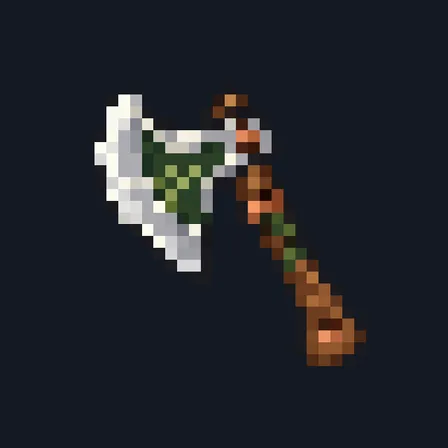
Item mod

Item mod
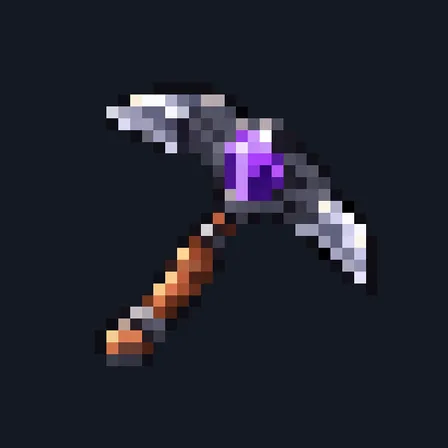
Item mod
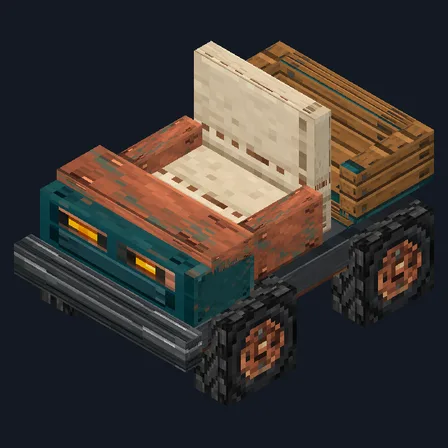
Gameplay mod
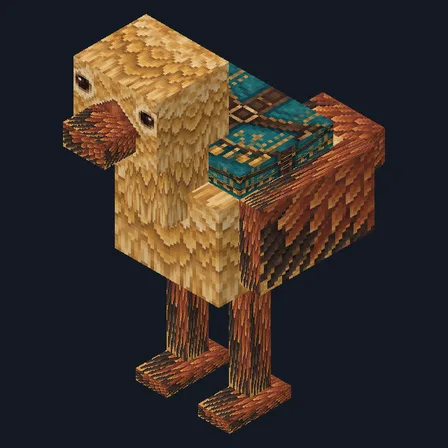
Mob mod

Item mod

Item mod
Block mod

Item mod

Item mod
The ModChest app for Android, iPhone and iPad keeps a list of everything it sends to Minecraft, and shows when one has an update. About the app