

Rover Cargo Tag
Crafting table, in any arrangement
- Paper, 1
- Copper ingot, 1
- Iron ingot, 1
Drive a copper cart over land with 9 slots of cargo
Free2 itemsGameplay mod in Transport and Storage & inventory
In the Expedition Kit collection
.mcaddon file, 85 KB. Consoles and Java Edition can’t import packs.
Every ModChest mod is checked against the others, so no two use the same block, item or creature.
Craft a Rover Crate and use it on the ground to park the rover there: a copper cart with a cream seat, 4 turning wheels and a wooden cargo tray. Use the rover to climb in, steer with your normal movement controls, and crouch to get out. It has 1 seat and drives on land only.
To load it, hold a Rover Cargo Tag and use the rover: whole stacks move from your main inventory into its 9 slots, and your hotbar stays put. Crouch and use it with the tag to take them back. Items keep their names, enchantments and wear. Anyone can drive it or use its cargo. A plain iron ingot repairs 4 of its 40 health. If it's destroyed, it drops its crate and all its cargo on the ground, where items can burn or despawn. You can't ride, load or repair it in Adventure mode.
Crafting table, in any arrangement
Crafting table, in any arrangement
1.1.0
First release
Minecraft Bedrock shows its version number in the bottom-right corner of the main menu. Everything on ModChest is built for Bedrock 1.26.45 and newer, on Android, iPhone, iPad and Windows. If your number is lower, update Minecraft from the store you installed it from, then import the mod.
Where the file lands, how to open it with Minecraft, and what to do if the import fails.
Each has its own download.
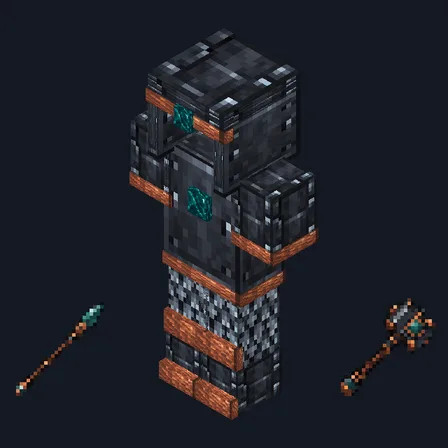
Item mod
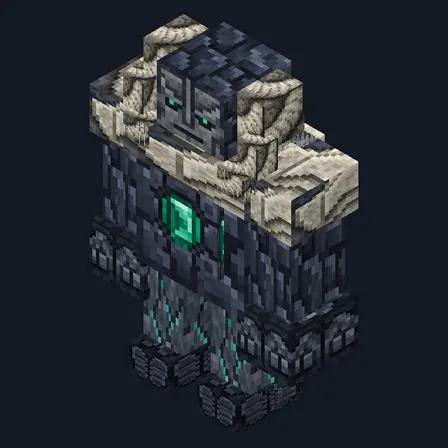
Mob mod

Item mod

Item mod
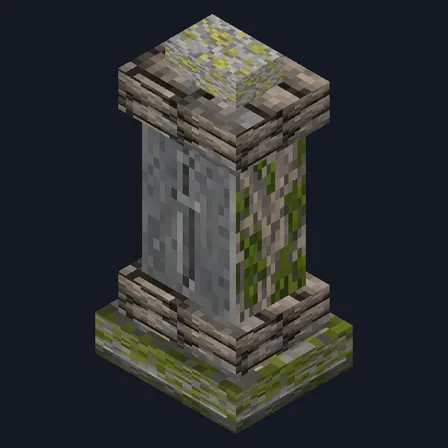
Gameplay mod
Mob mod

Gameplay mod

Gameplay mod
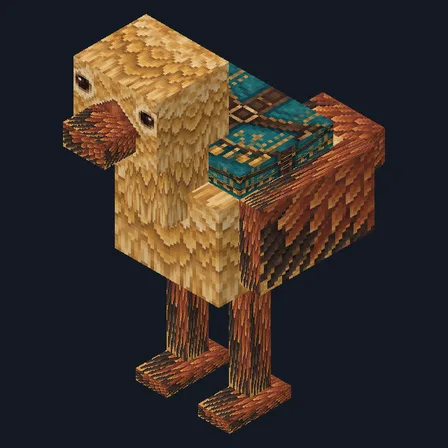
Mob mod

Item mod

Item mod

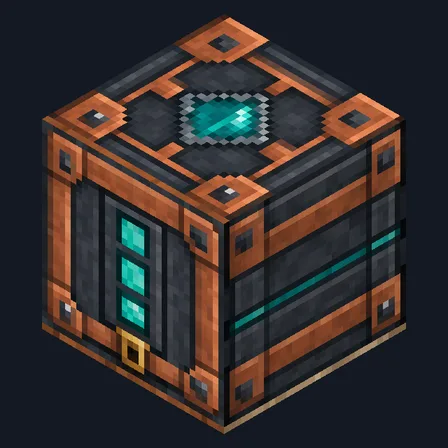
Block mod
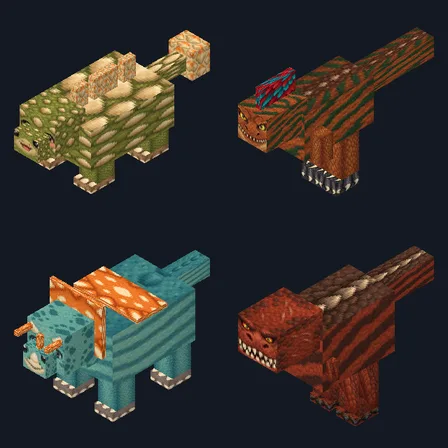
New mob mod

Item mod

Item mod
The ModChest app for Android, iPhone and iPad keeps a list of everything it sends to Minecraft, and shows when one has an update. About the app