
Twisting Vine Clippers
Crafting table
- Iron ingot ×4
- Twisting vines ×1
Top row: Iron ingot, empty, Iron ingot. Middle row: empty, Twisting vines, empty. Bottom row: Iron ingot, empty, Iron ingot.
Clip twisting vines above the block you want to keep
FreeItem mod in Farming & food and Building & decor
.mcaddon file, 11 KB. Consoles and Java Edition can’t import packs.
Every ModChest mod is checked against the others, so no two use the same block, item or creature.
Craft Twisting Vine Clippers with iron ingots and a twisting vine. Aim at the vine block you want to keep, crouch and use to clip up to 6 connected blocks above it. Each clipped block drops one twisting vine and costs one durability point. The clippers reach 5 blocks and have 256 durability. The run stops at the first gap or other block, and a worn pair clips fewer blocks. Vines left hanging above a gap fall as items as they would when broken by hand. It works in Survival and Creative; Adventure does not activate the clippers.
Crafting table
Top row: Iron ingot, empty, Iron ingot. Middle row: empty, Twisting vines, empty. Bottom row: Iron ingot, empty, Iron ingot.
0.1.0
First release
Minecraft Bedrock shows its version number in the bottom-right corner of the main menu. Everything on ModChest is built for Bedrock 1.26.45 and newer, on Android, iPhone, iPad and Windows. If your number is lower, update Minecraft from the store you installed it from, then import the mod.
Where the file lands, how to open it with Minecraft, and what to do if the import fails.

Item mod

Item mod

Item mod

Item mod
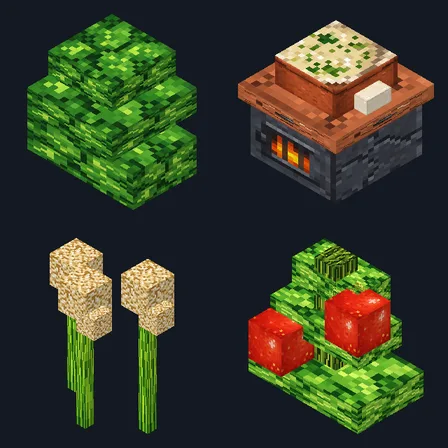
Block mod
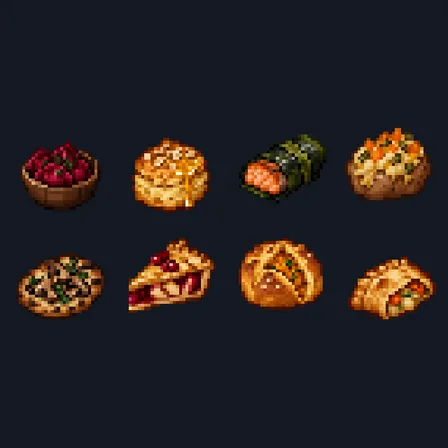
Item mod

Item mod

The ModChest app for Android, iPhone and iPad keeps a list of everything it sends to Minecraft, and shows when one has an update. About the app