Desert Nomad
Sand-cream headwrap and robe with a burnt-orange sash, leather strap and desert boots.
Desert traveller skin with a sand-cream headwrap and orange sash
FreeSkin in Casual & cozy and Adventure
In the Expedition Kit collection
.mcpack file, 13 KB. Consoles and Java Edition can’t import packs.
Sand-cream headwrap and robe with a burnt-orange sash, leather strap and desert boots.
Classic arms are four pixels wide, like Steve’s; slim arms are three, like Alex’s. Pick whichever fits the outfit in the Dressing Room.
Desert Nomad is dressed for long crossings in the sun. A sand-cream headwrap bound by a burnt-orange cord covers the head on every side, and the front of the head alone shows a narrow shaded strip with two dark eyes, set between the low headwrap and a raised dust scarf. The travelling robe is the same sun-bleached cream, crossed by a burnt-orange sash and a worn brown leather strap with a small brass buckle. Dusty brown wraps cover the forearms over cream sleeves, and layered dust-brown trousers with cream hems meet worn brown desert boots. This free Minecraft Bedrock .mcpack includes one original outfit in classic and slim arm fits. It carries no weapon, no heat protection and no ability of any kind; it changes appearance only.
0.2.0
Updated
0.1.0
First release
Minecraft Bedrock shows its version number in the bottom-right corner of the main menu. Everything on ModChest is built for Bedrock 1.26.45 and newer, on Android, iPhone, iPad and Windows. If your number is lower, update Minecraft from the store you installed it from, then import the skin.
Where the file lands, how to open it with Minecraft, and what to do if the import fails.
Each has its own download.
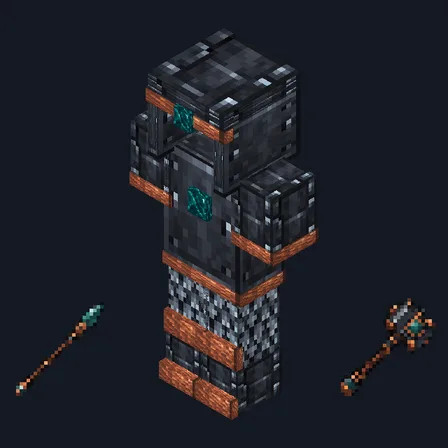
Item mod
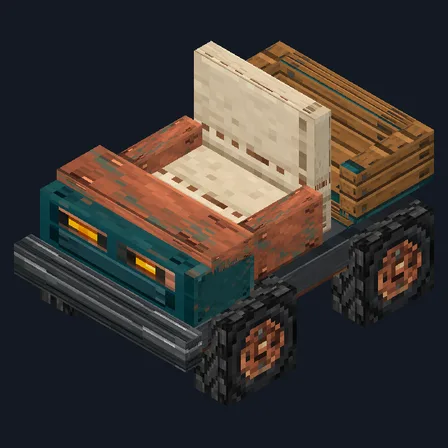
Gameplay mod
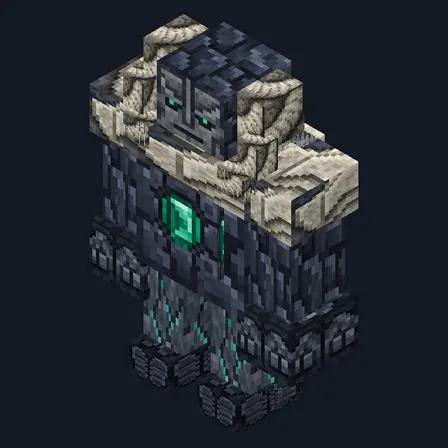
Mob mod
Item mod
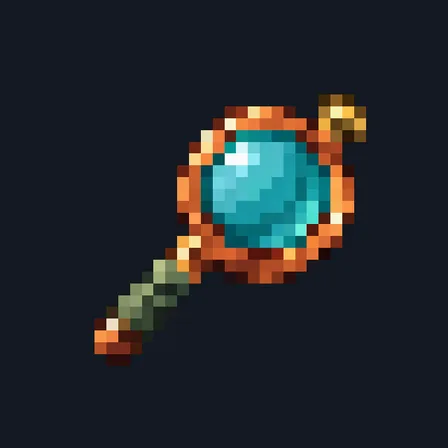
Item mod
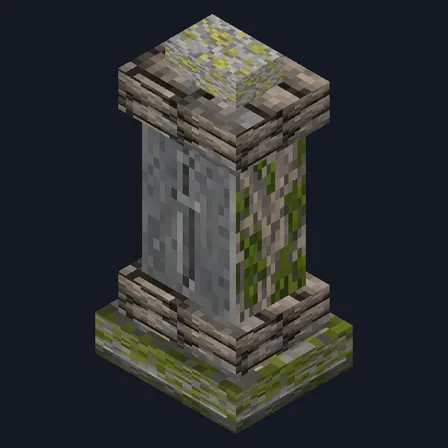
Gameplay mod
Mob mod

Gameplay mod

Skin

Skin

Skin

Skin

Skin

Skin

Skin

The ModChest app for Android, iPhone and iPad keeps a list of everything it sends to Minecraft, and shows when one has an update. About the app
