Anime Town
New texture pack
Storybook cartoon materials with bold outlines and flat colour
Free15 texturesTexture pack in Simple & cartoon and Pastel & cute
.mcpack file, 40 KB. Consoles and Java Edition can’t import packs.
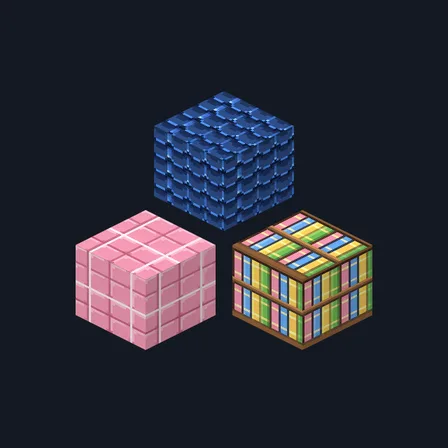
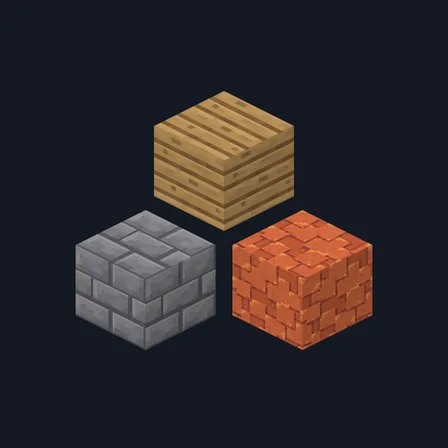
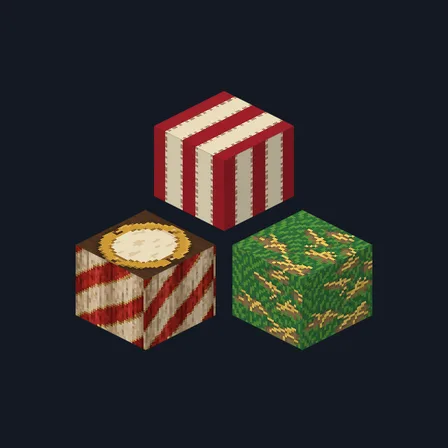
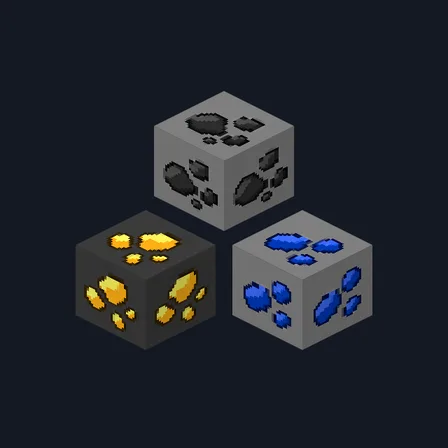
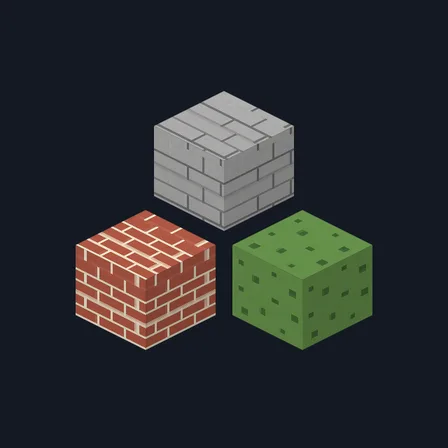
Chunky Crayon draws every material the way a picture book would. Each shape gets a bold dark outline and two cheerful flat tones: stone bricks become rounded outlined rectangles, cobblestone becomes big outlined pebbles, planks get thick seam lines and two round knots, and bark becomes wavy vertical bands. Tomato-red brick keeps thick cream mortar, the bookshelf holds fat rounded books in red, blue and yellow, wool is drawn as puffy lumps, and moss is rounded clumps of grass green. Nothing here is weathered, speckled or shaded realistically, which is the whole point. The pack replaces fifteen blocks. This is surface artwork only, so no block glows, no light level changes and no game behavior is altered.
0.1.2
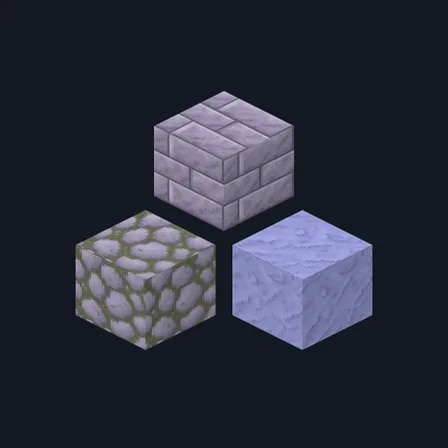
Redrew polished_blackstone, calcite, planks_oak and log_oak so they tile
0.1.1
Updated
0.1.0
First release
Minecraft Bedrock shows its version number in the bottom-right corner of the main menu. Everything on ModChest is built for Bedrock 1.26.45 and newer, on Android, iPhone, iPad and Windows. If your number is lower, update Minecraft from the store you installed it from, then import the texture pack.
Where the file lands, how to open it with Minecraft, and what to do if the import fails.
New texture pack
Texture pack
Texture pack
Texture pack
Texture pack
Texture pack
New texture pack
New texture pack
The ModChest app for Android, iPhone and iPad keeps a list of everything it sends to Minecraft, and shows when one has an update. About the app