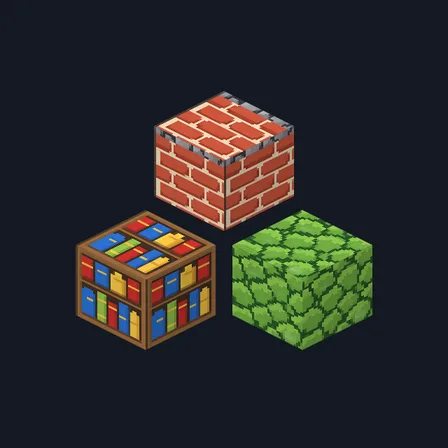
Chunky Crayon
Texture pack
Cel-shaded town materials with bold outlines and bright flat color
Free16 texturesTexture pack in Simple & cartoon and Pastel & cute
.mcpack file, 45 KB. Consoles and Java Edition can’t import packs.
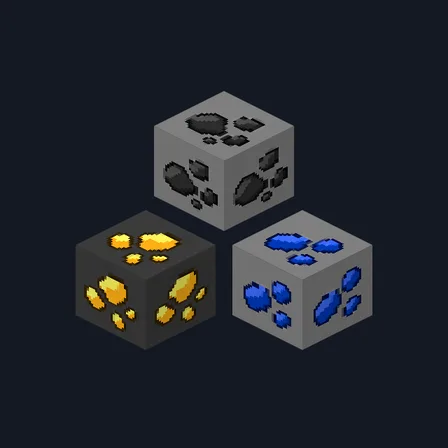
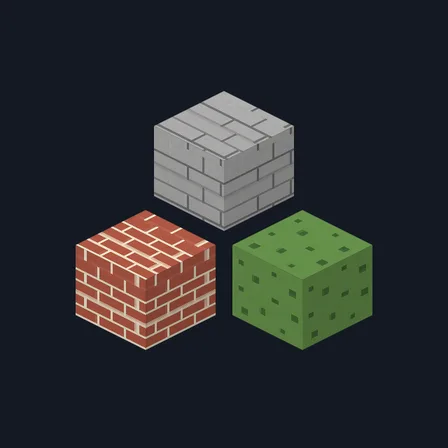
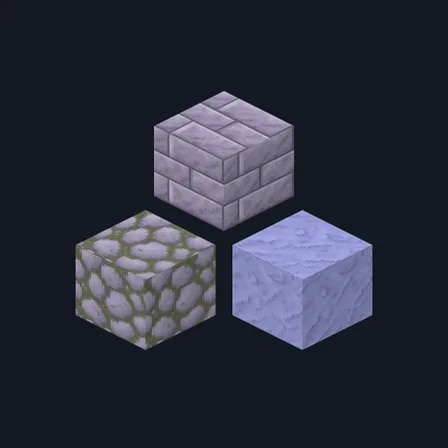
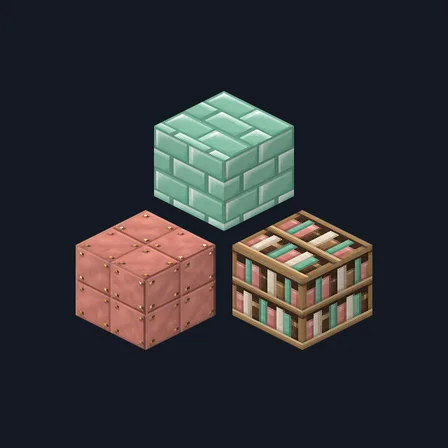
Anime Town builds a bright town street the way animation backgrounds paint one. Every material gets three tones and nothing more: a flat bright color, one light step along the top-left of each shape and one deeper step along the bottom-right, all inside a bold outline drawn in a darker shade of the same color rather than black. Cream paper screens sit in warm brown lattice, crisp white plaster is scored into big squares with blue joints, and pale cut stone and rounded cobbles keep the same clean edges. Deep navy roof tiles overlap in curved rows, sakura pink wall tiles line up in white joints, a soft sky blue panel runs in wide bands and blue-gray stone fills the gaps. Honey shopfront boards pair with cooler brown boards, bark and ringed log ends, and a shelf of tall bright book spines, white cloth with pink border stripes, fresh green grass and warm sand plaster round out the street. Nothing is weathered or softly shaded: every step of light and shadow lands on a hard edge, which is what keeps the set looking drawn. It retextures these 16 blocks and nothing else: no block glows, no light level changes and nothing behaves differently.
0.1.0
First release
Minecraft Bedrock shows its version number in the bottom-right corner of the main menu. Everything on ModChest is built for Bedrock 1.26.45 and newer, on Android, iPhone, iPad and Windows. If your number is lower, update Minecraft from the store you installed it from, then import the texture pack.
Where the file lands, how to open it with Minecraft, and what to do if the import fails.
Texture pack
Texture pack
Texture pack
Texture pack
Texture pack
Texture pack
New texture pack
New texture pack
The ModChest app for Android, iPhone and iPad keeps a list of everything it sends to Minecraft, and shows when one has an update. About the app