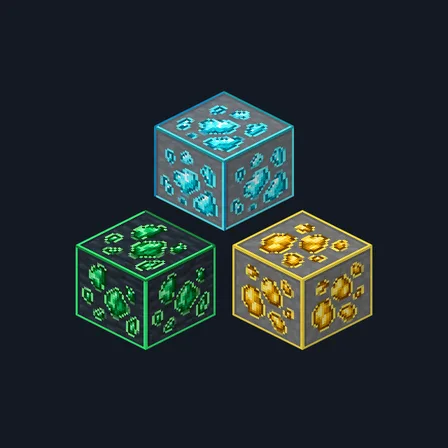
Framed Ores
Texture pack
Simple cartoon building textures with broad shapes and cut-paper edges
Free16 texturesTexture pack in Simple & cartoon
.mcpack file, 45 KB. Consoles and Java Edition can’t import packs.
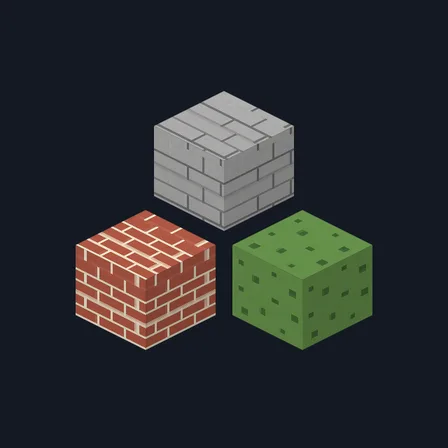
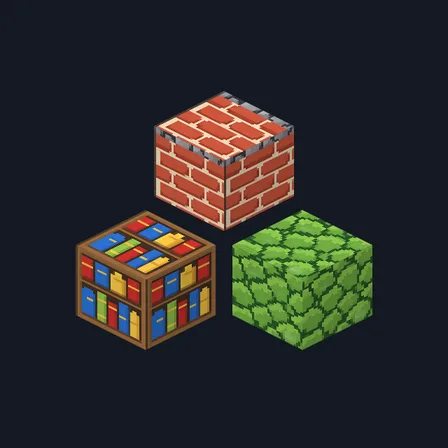
Build a small paper-diorama village from familiar materials. Paper Cut Blocks uses broad timber ribbons, chunky stone shapes, folded-looking copper panels and colorful book spines to keep buildings readable at a glance. Sage patina, ochre timber and clay brick bring a handmade cartoon character to walls and interiors. This focused set changes 16 building textures; terrain, mobs, tools and the interface keep their existing artwork. The simple style is an art choice; it does not raise frame rates.
0.1.2
Redrew copper_block so it tiles
0.1.1
Updated
0.1.0
First release
Minecraft Bedrock shows its version number in the bottom-right corner of the main menu. Everything on ModChest is built for Bedrock 1.26.45 and newer, on Android, iPhone, iPad and Windows. If your number is lower, update Minecraft from the store you installed it from, then import the texture pack.
Where the file lands, how to open it with Minecraft, and what to do if the import fails.
Texture pack
New texture pack
Texture pack
Texture pack
Texture pack
Texture pack
The ModChest app for Android, iPhone and iPad keeps a list of everything it sends to Minecraft, and shows when one has an update. About the app