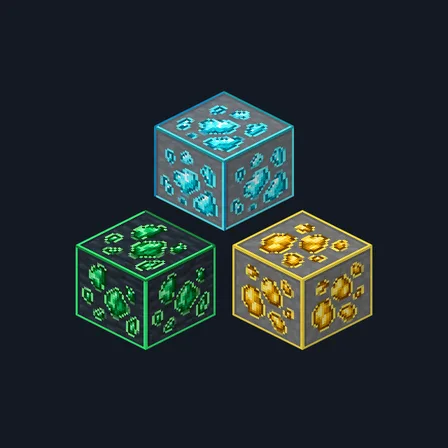
Framed Ores
Texture pack
Minimalist building materials in flat colour and thin outlines
Free16 texturesTexture pack in Simple & cartoon and Modern
.mcpack file, 32 KB. Consoles and Java Edition can’t import packs.
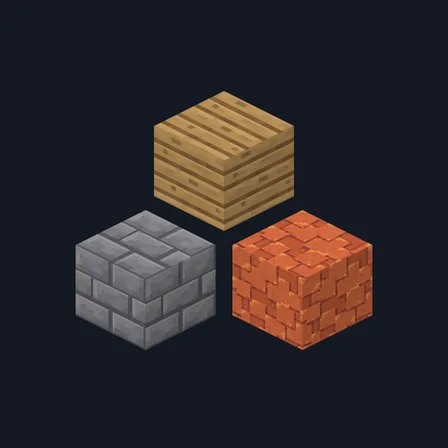
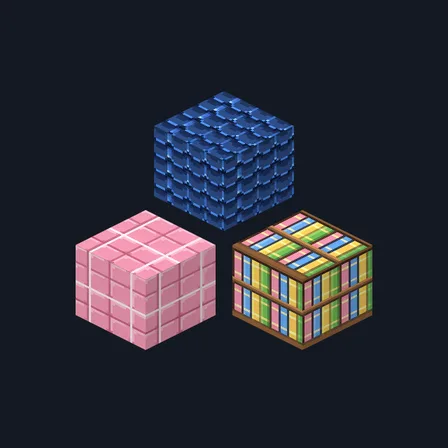
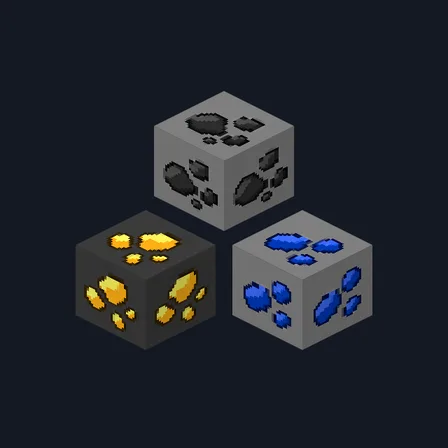
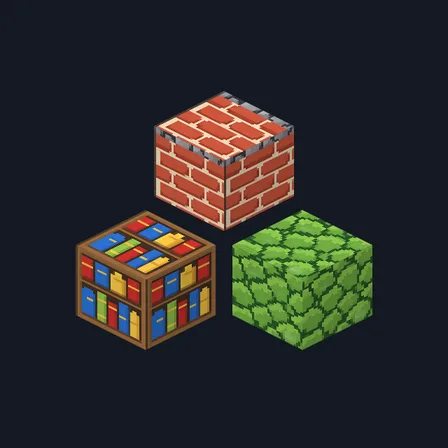
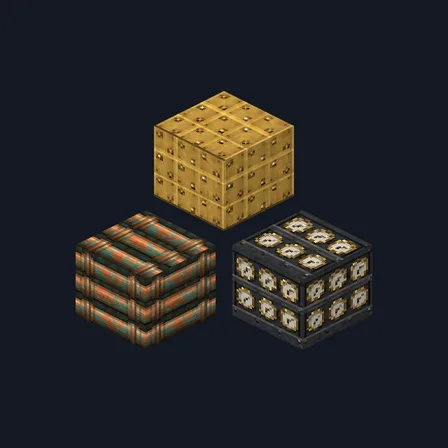
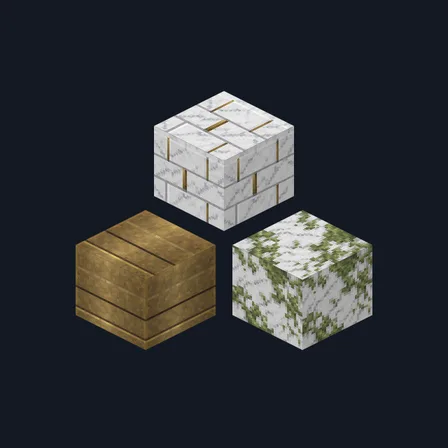
Flat Minimal strips building materials back to shape and colour. Every texture uses at most three flat tones, with thin darker lines doing all the work: stone brick and cobblestone become clean outlined grids in grey and sage, planks become a flat field with four seam lines, bark becomes vertical grooves, and a log top is two concentric rings. Red brick keeps cream joints, the bookshelf is a flat row of coloured spines, and moss is a plain green field with a handful of darker squares. There is no speckle, grain, weathering or noise anywhere in the set. Some surfaces are simply plain: calcite and white wool are both flat white, and black concrete is flat charcoal. This is surface artwork only, so no block glows, no light level changes and no game behavior is altered.
0.2.1
Redrew calcite and wool_colored_white so they read at distance
0.2.0
Updated
0.1.0
First release
Minecraft Bedrock shows its version number in the bottom-right corner of the main menu. Everything on ModChest is built for Bedrock 1.26.45 and newer, on Android, iPhone, iPad and Windows. If your number is lower, update Minecraft from the store you installed it from, then import the texture pack.
Where the file lands, how to open it with Minecraft, and what to do if the import fails.
Texture pack
Texture pack
New texture pack
Texture pack
Texture pack
Texture pack
Texture pack
Texture pack
The ModChest app for Android, iPhone and iPad keeps a list of everything it sends to Minecraft, and shows when one has an update. About the app