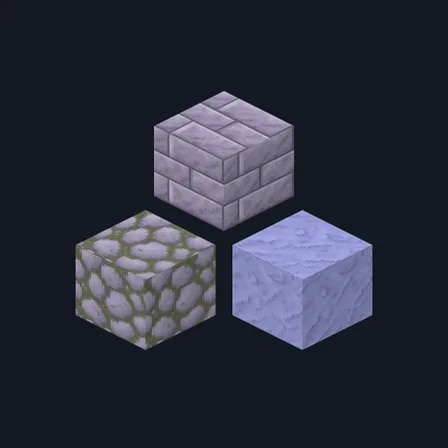
Lavender Plaster
New texture pack
Build a crisp mint-and-rose bakery with 16 materials
Free16 texturesTexture pack in Pastel & cute
.mcpack file, 48 KB. Consoles and Java Edition can’t import packs.
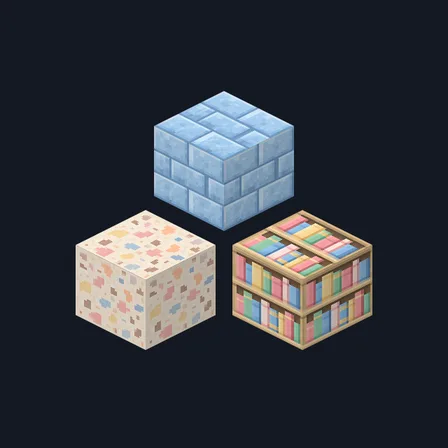
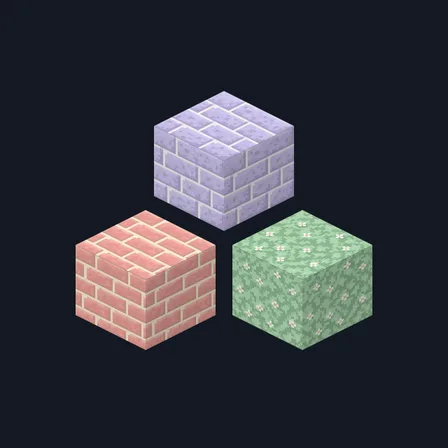
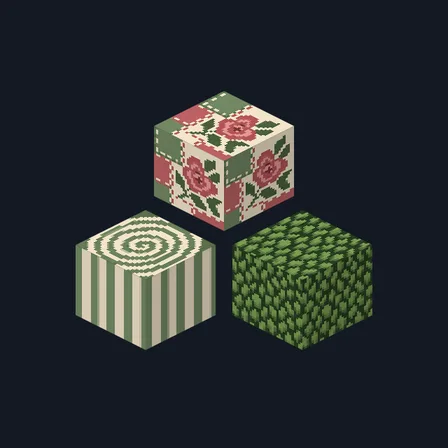
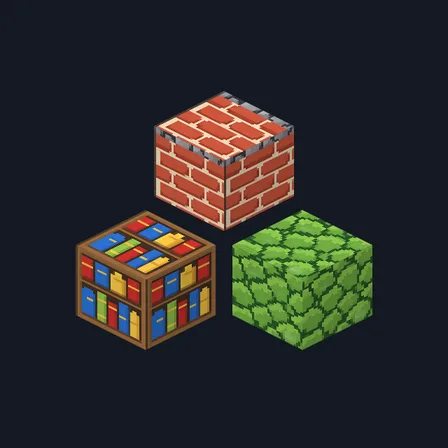
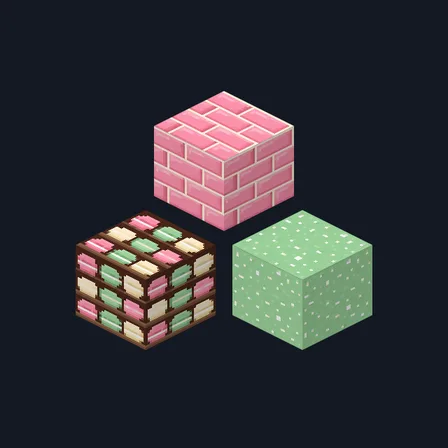
Give a café, patisserie or village shop one consistent vintage palette. Mint Bakery combines vanilla timber, mint-glazed masonry, flour-speckled stone, rose brick, cool patinated copper and dark chocolate trim, while a coordinated bookshelf and linen-like wool finish the interior. Matching bark and end-grain faces keep counters, posts and exposed beams intentional from every angle. It changes 16 selected block textures only; food items, villagers, signs, glass, plants and the interface remain unchanged.
0.1.0
First release
Minecraft Bedrock shows its version number in the bottom-right corner of the main menu. Everything on ModChest is built for Bedrock 1.26.45 and newer, on Android, iPhone, iPad and Windows. If your number is lower, update Minecraft from the store you installed it from, then import the texture pack.
Where the file lands, how to open it with Minecraft, and what to do if the import fails.
New texture pack
New texture pack
Texture pack
New texture pack
Texture pack
Texture pack
Texture pack
Texture pack
The ModChest app for Android, iPhone and iPad keeps a list of everything it sends to Minecraft, and shows when one has an update. About the app