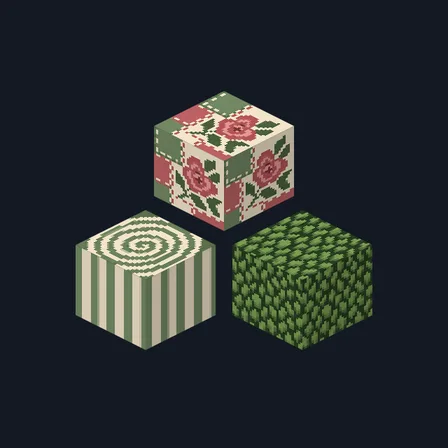
Patchwork Quilt
Texture pack
Pastel village materials in lavender, mint, peach and cloud white
Free16 texturesTexture pack in Cozy and Pastel & cute
.mcpack file, 17 KB. Consoles and Java Edition can’t import packs.
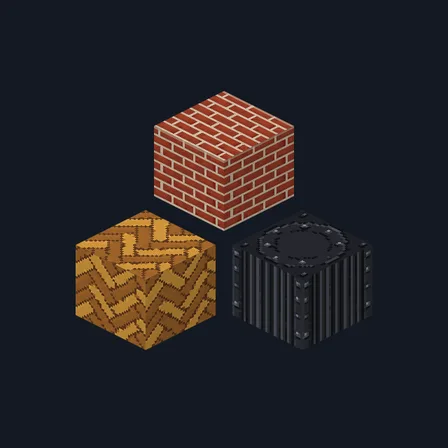
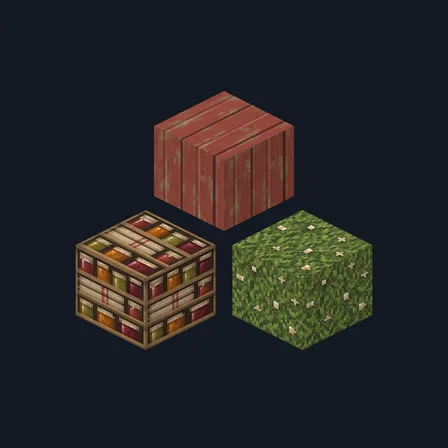
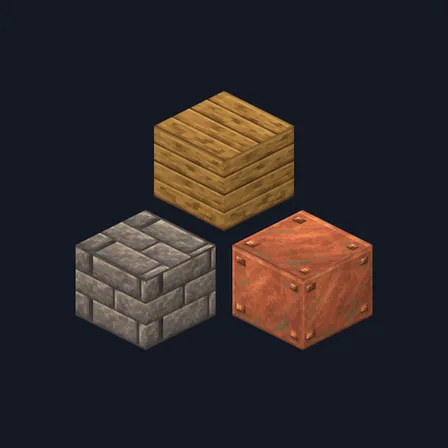
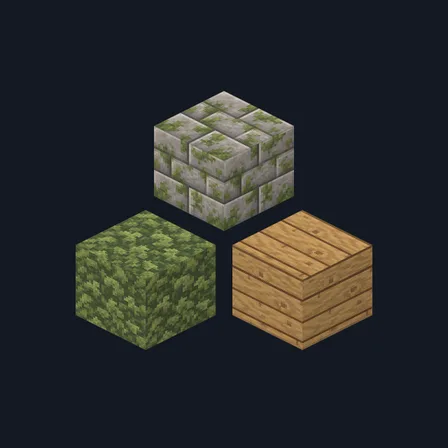
Pastel Village keeps every surface light. Pale lavender stone brick sits in soft white mortar, a second course sprouts small mint-green tufts in the seams, and rounded peach cobblestone comes plain or tufted with mint. Plain lavender stone, a deep periwinkle slab, soft coral-pink brick and cloud-white plaster carry the walls. Peach and mint plank boards pair with pale lilac bark and a soft cream ringed log top, and a shelf of mint, peach and lilac bound books, quilted cloud-white cloth, a periwinkle slab and mint moss scattered with cream flower specks finish the set. The palette is soft and low-contrast, yet every block stays easy to tell apart. This is surface artwork only: no block glows, no light level changes and nothing behaves differently.
0.2.1
Redrew calcite so it reads at distance
0.2.0
Updated
0.1.0
First release
Minecraft Bedrock shows its version number in the bottom-right corner of the main menu. Everything on ModChest is built for Bedrock 1.26.45 and newer, on Android, iPhone, iPad and Windows. If your number is lower, update Minecraft from the store you installed it from, then import the texture pack.
Where the file lands, how to open it with Minecraft, and what to do if the import fails.
Texture pack
Texture pack
New texture pack
Texture pack
Texture pack
Texture pack
Texture pack
Texture pack
The ModChest app for Android, iPhone and iPad keeps a list of everything it sends to Minecraft, and shows when one has an update. About the app