Cozy Tavern
Texture pack
Snowy village materials in pine, berry red, holly green and gold
Free16 texturesTexture pack in Cozy and Rustic
.mcpack file, 51 KB. Consoles and Java Edition can’t import packs.
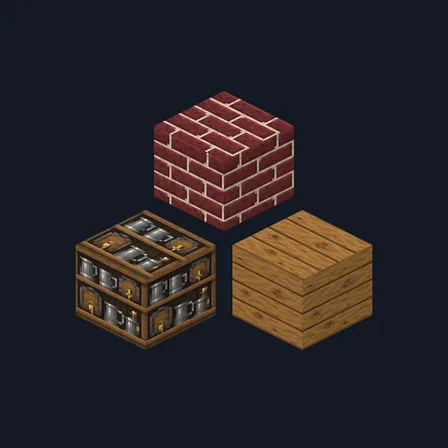
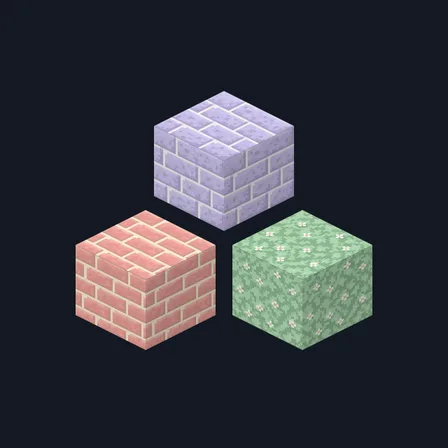
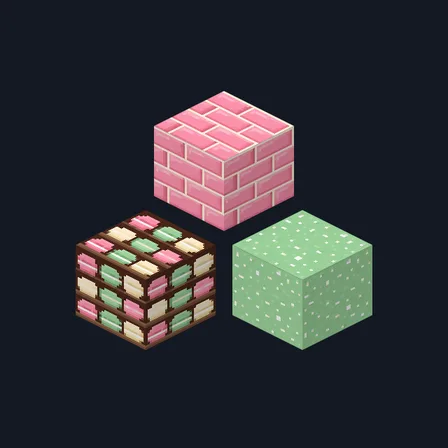
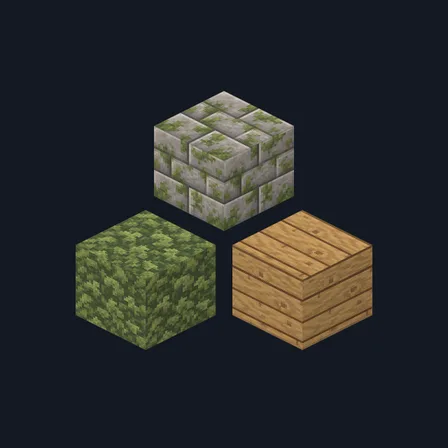
Christmas Village dresses a whole street for the season. Warm pine boards carry a crust of snow along every seam, berry red shutter boards show paint chipped back to bare wood, and snow-capped fieldstone brick sits in pale cream mortar above cobbles with snow packed into every gap. Cold gray stone, berry red chimney brick, packed snow and a frosted window glaze fill out the walls. Knitted white wool takes a pale blue snowflake, holly leaves cluster with bright red berries, a gilded brass trim band runs under the eaves and a holly green post carries a brass strap. Snowy pine bark, pine end grain and a gray spruce log top finish the timber, and a shelf of small wrapped parcels tied with gold ribbon waits by the door. It retextures these 16 blocks and nothing else: the snow and frost are painted on, so no block glows, no light level changes and nothing behaves differently. Skies, water, mobs, plants and the interface stay as they are.
0.1.1
Redrew log_oak so it tiles
0.1.0
First release
Minecraft Bedrock shows its version number in the bottom-right corner of the main menu. Everything on ModChest is built for Bedrock 1.26.45 and newer, on Android, iPhone, iPad and Windows. If your number is lower, update Minecraft from the store you installed it from, then import the texture pack.
Where the file lands, how to open it with Minecraft, and what to do if the import fails.
Texture pack
Texture pack
Texture pack
Texture pack
Texture pack

Texture pack
Texture pack
Texture pack
The ModChest app for Android, iPhone and iPad keeps a list of everything it sends to Minecraft, and shows when one has an update. About the app