Survivor's Journal
Crafting table, in any arrangement
- Paper, 3
- Leather, 1
- Rotten flesh, 1
Survive a zombie horde that grows bigger every night
FreeGameplay mod in Combat & magic
In the Halloween collection
.mcaddon file, 204 KB. Consoles and Java Edition can’t import packs.
Every ModChest mod is checked against the others, so no two use the same block, item or creature.
Turn the packs on and a Rising Hordes panel appears at the side of the screen, showing the day and the size of tonight's horde. Day 1 is the day you first play with the mod on. At dusk a title warns you, and the horde arrives in groups of up to 4 every 5 seconds, 14 to 22 blocks away and close to your height. The first night brings 4 zombies, every night adds 2 more, and from night 15 the horde stays at 32. From night 6 every third one is a husk, which does not burn in sunlight. At dawn any horde zombie still standing leaves, unless you have given it a name tag.
Craft a Survivor's Journal from 3 paper, a leather and a rotten flesh, and use it to read your count on the action bar: the days you have survived, the size of tonight's horde and how long until dusk, or, while a horde is out, how long until dawn.
Each player in the Overworld in Survival or Adventure gets a horde of their own, but no more than 48 horde zombies are ever alive in the world at once, so a long world stays playable. Players in Creative, in the Nether or in the End get no horde, and there is none on Peaceful. Sleeping through a night skips its horde, though zombies close by will stop you from sleeping. If a map already shows something on the sidebar, the panel stays hidden and the horde still comes.
Crafting table, in any arrangement
0.1.0
First release
Minecraft Bedrock shows its version number in the bottom-right corner of the main menu. Everything on ModChest is built for Bedrock 1.26.45 and newer, on Android, iPhone, iPad and Windows. If your number is lower, update Minecraft from the store you installed it from, then import the mod.
Where the file lands, how to open it with Minecraft, and what to do if the import fails.
Spooky creations for the season, with more every year. Each has its own download.
Item mod
Mob mod
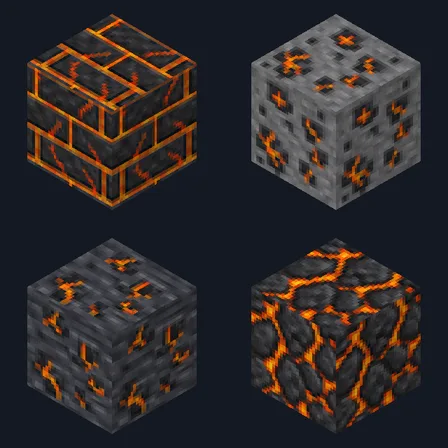
New item mod
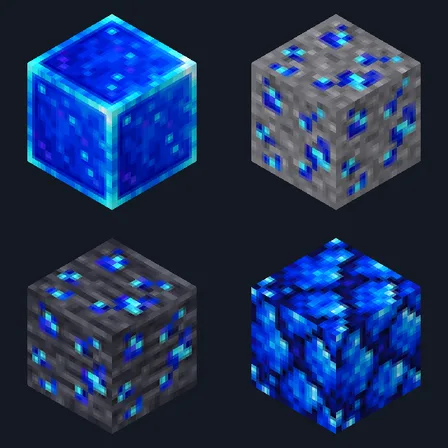
New item mod
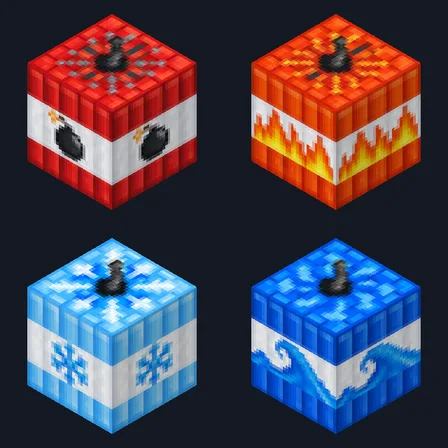
Block mod
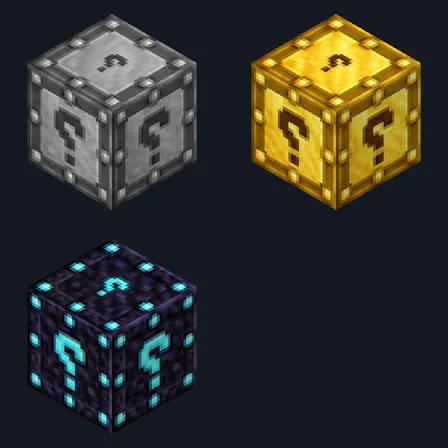
New block mod
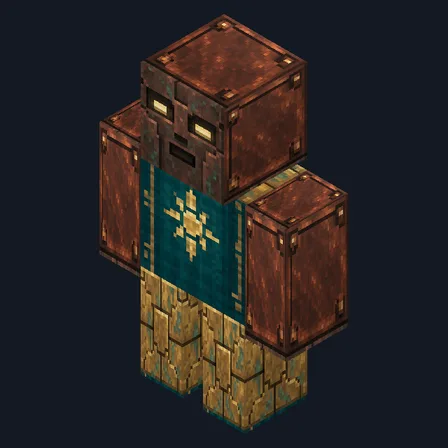
Mob mod
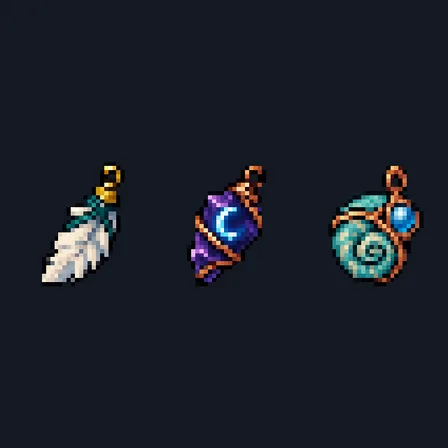
Item mod
The ModChest app for Android, iPhone and iPad keeps a list of everything it sends to Minecraft, and shows when one has an update. About the app