Spooky Cavern Games
New world
Race quarry, cavern and foundry sectors in three timed laps
FreeWorld in Mini-games
.mcworld file, 1467 KB. Consoles and Java Edition can’t import packs.
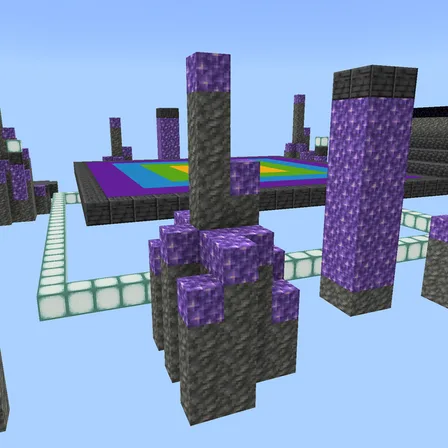
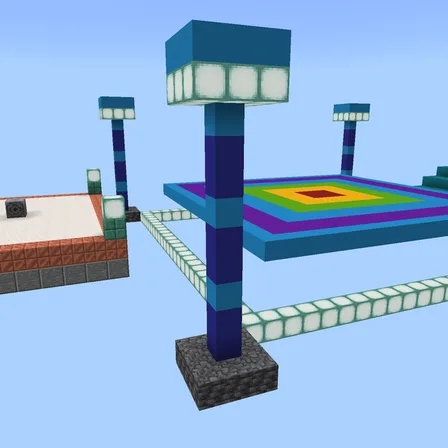
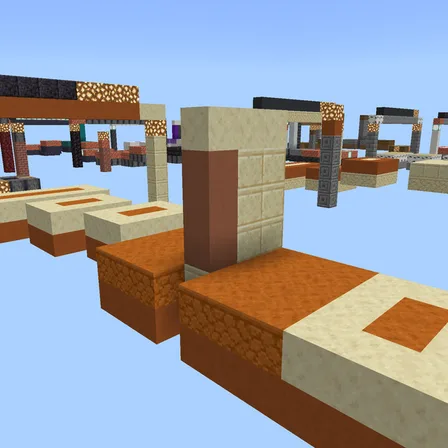
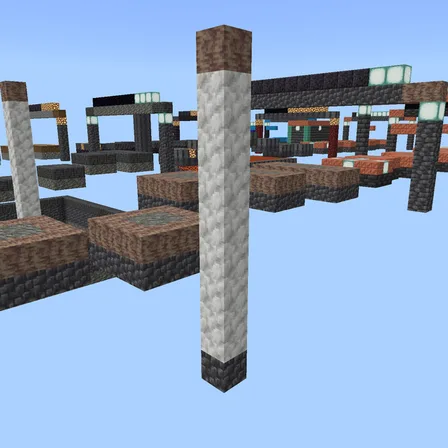
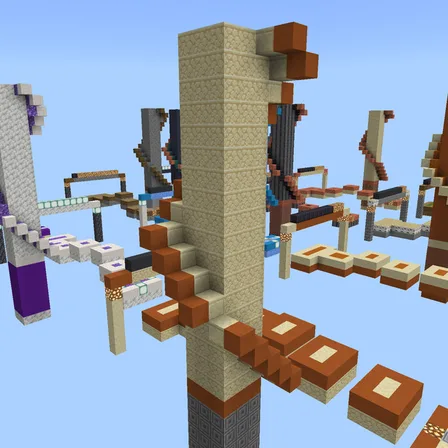
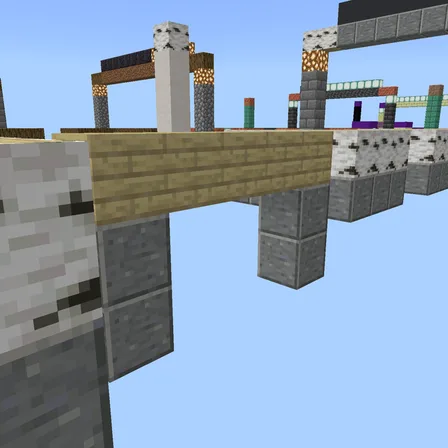
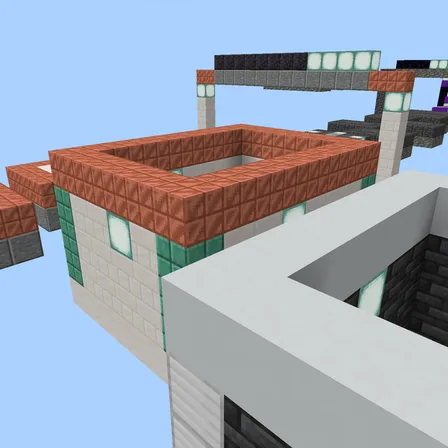
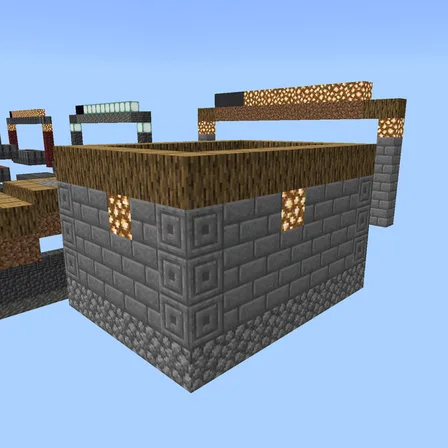
Ride a supplied cart through a terraced copper quarry, a roofed amethyst cavern and a foundry lined with copper gantries and glowing furnaces. Powered launch strips keep the circuit moving, and your supplied Rally Throttle gives a boost every five seconds. Each three-lap run records a split for every sector so you can compare where time was gained or lost.
Racers leave four seconds apart, but each timer starts at that racer's own start-line crossing. The fastest completed three-lap time wins; equal times remain a tie. You must ride your assigned cart around the ordered course—walking near an empty cart or cutting across the infield never scores. Leaving or losing your cart triggers recovery at the last completed gate after three seconds, with a ten-second penalty. Personal bests and the world's fastest run are saved, and an interrupted heat resumes with a countdown.
1.1.1
The world's icon in Minecraft is now a picture taken in the world
1.1.0
Three sectors, rider validation, timed starts, nine splits, throttle boosts and saved personal records
1.0.0
First release
Minecraft Bedrock shows its version number in the bottom-right corner of the main menu. Everything on ModChest is built for Bedrock 1.26.45 and newer, on Android, iPhone, iPad and Windows. If your number is lower, update Minecraft from the store you installed it from, then import the world.
Where the file lands, how to open it with Minecraft, and what to do if the import fails.
New world
New world
New world
New world
New world
New world
New world
New world
The ModChest app for Android, iPhone and iPad keeps a list of everything it sends to Minecraft, and shows when one has an update. About the app