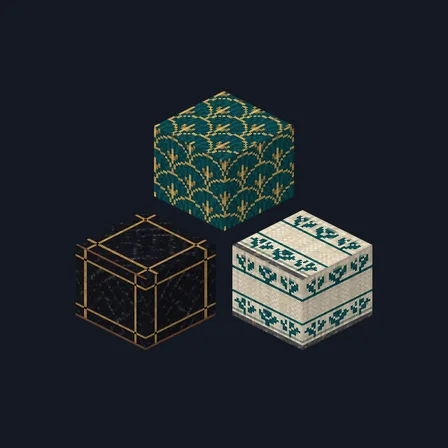
Art Deco Hotel
New texture pack
Night-city materials in charcoal concrete and brushed steel
Free16 texturesTexture pack in Modern
.mcpack file, 17 KB. Consoles and Java Edition can’t import packs.
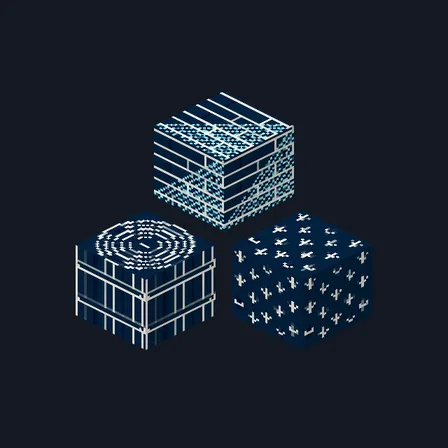
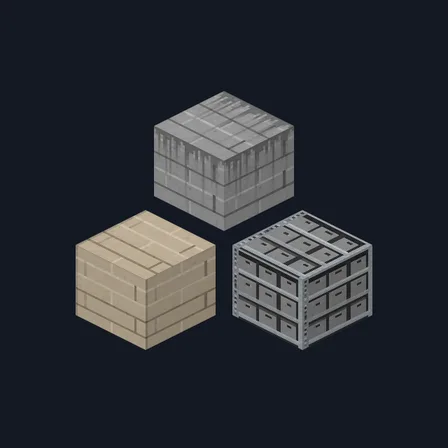
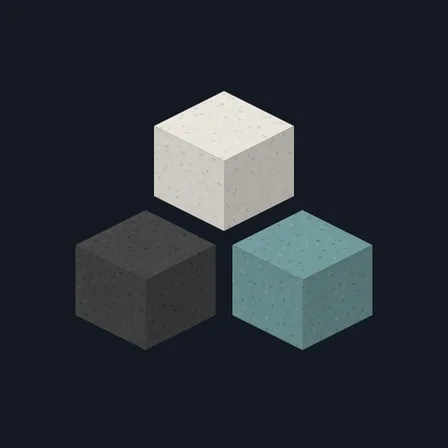
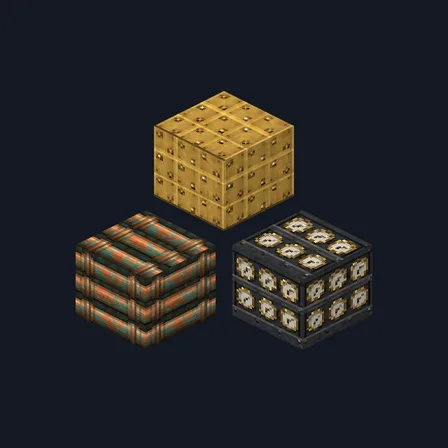
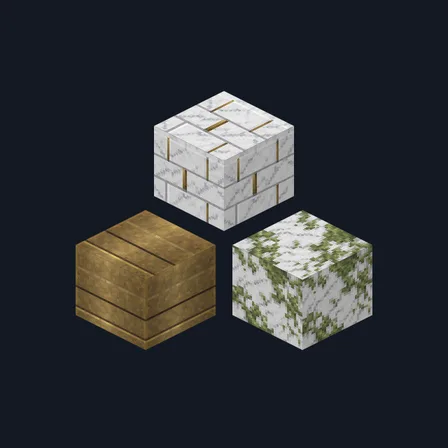
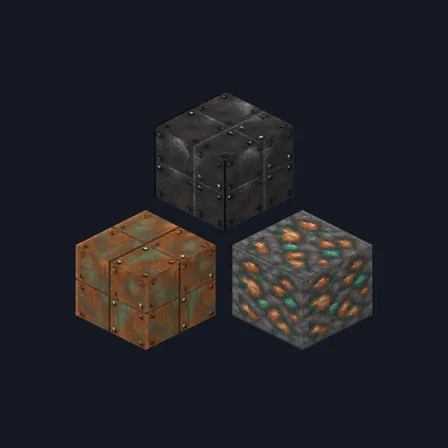
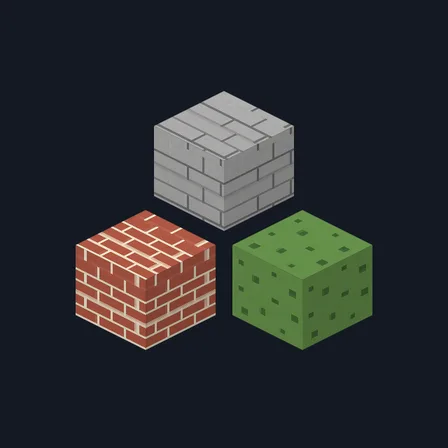
Neon City rebuilds a city block after dark. Charcoal concrete runs in a plain running-bond grid, a second course carries a thin electric-cyan painted stripe, and broken asphalt rubble comes plain or scattered with small magenta fragments. A near-black glass panel in a thin steel frame, deep navy enamelled brick and pale bone-grey concrete carry the walls. Brushed steel and gunmetal plate boards pair with a ribbed steel column and its machined top, and a rack of dark crates with small cyan and magenta panel squares, pale acoustic panel fabric, matte black rubber flooring and teal-grey moss over cracked concrete finish the set. The cyan and magenta are painted colour only: nothing in this pack emits light, brightens a street or changes how any block behaves.
0.2.0
Updated
0.1.0
First release
Minecraft Bedrock shows its version number in the bottom-right corner of the main menu. Everything on ModChest is built for Bedrock 1.26.45 and newer, on Android, iPhone, iPad and Windows. If your number is lower, update Minecraft from the store you installed it from, then import the texture pack.
Where the file lands, how to open it with Minecraft, and what to do if the import fails.
New texture pack
Texture pack
Texture pack
Texture pack
Texture pack
Texture pack
New texture pack
Texture pack
The ModChest app for Android, iPhone and iPad keeps a list of everything it sends to Minecraft, and shows when one has an update. About the app