Frontier Saloon
New texture pack
Build soot, steel and copper sheds with 16 worn materials
Free16 texturesTexture pack in Rustic and Modern
.mcpack file, 47 KB. Consoles and Java Edition can’t import packs.
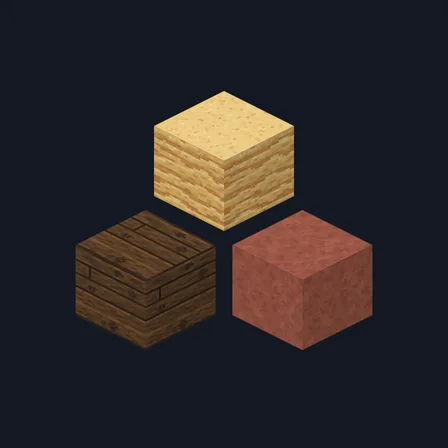
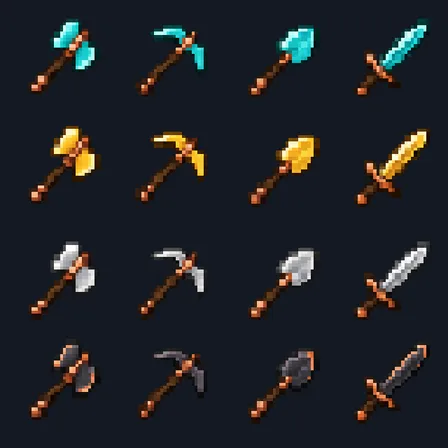
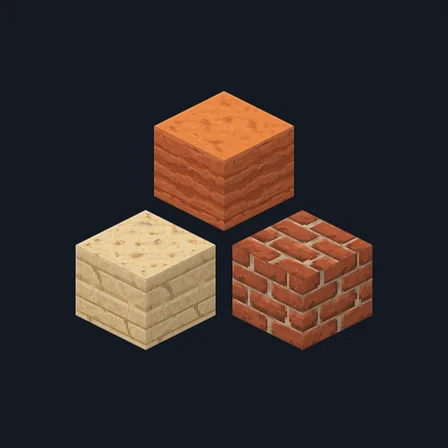
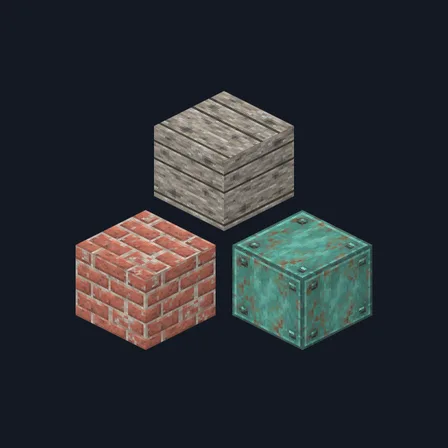
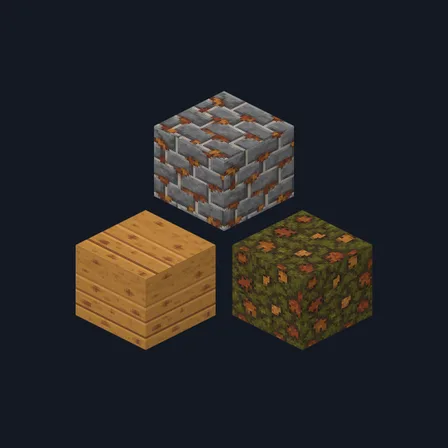
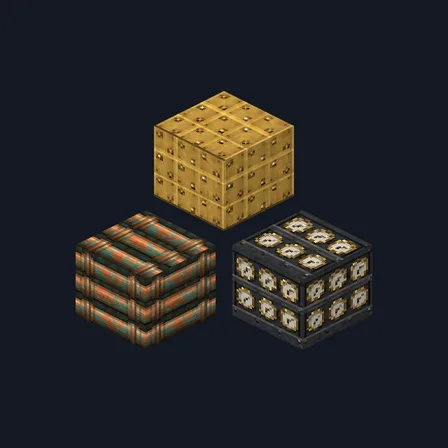
Give engine sheds, depots and mine workshops a working history. Railway Workshop combines creosote timber, oily cobble, soot-dark ashlar, heat-worn brick, riveted plate, aged copper and verdigris with readable coal, iron and copper ore faces. Controlled grease, chips and lichen make the set weathered without turning it into noise, and matching spruce bark and end grain keep structural posts coherent. It replaces 16 selected block textures only; rails, minecarts, redstone parts, tools, mobs and the interface keep their current appearance.
0.1.0
First release
Minecraft Bedrock shows its version number in the bottom-right corner of the main menu. Everything on ModChest is built for Bedrock 1.26.45 and newer, on Android, iPhone, iPad and Windows. If your number is lower, update Minecraft from the store you installed it from, then import the texture pack.
Where the file lands, how to open it with Minecraft, and what to do if the import fails.
New texture pack
Texture pack
Texture pack
Texture pack
Texture pack
New texture pack
Texture pack
Texture pack
The ModChest app for Android, iPhone and iPad keeps a list of everything it sends to Minecraft, and shows when one has an update. About the app