
Builder's Wand
Crafting table, in any arrangement
- Iron ingot, 2
- Copper ingot, 2
- Diamond, 1
- Stick, 2
Build walls, bridges and pillars up to 8 blocks at a time
FreeItem mod in Building & decor
.mcaddon file, 11 KB. Consoles and Java Edition can’t import packs.
Every ModChest mod is checked against the others, so no two use the same block, item or creature.
Hold Builder's Wand, aim at a block up to 5 blocks away, then crouch and use. The wand extends that block straight out from the side you aimed at, up to 8 blocks, turned the same way as the original. Each block placed uses 1 matching block from your inventory and 1 point of the wand's 512 durability, in Creative too. Using it without crouching just shows a tip.
It copies stone, cobblestone, stone bricks, deepslate, cobbled deepslate, dirt, grass blocks and all 9 Overworld planks. The line stops early at anything in the way (even water or tall grass), at a player, mob or dropped item within 2 blocks, or when you run out of blocks or durability. Renamed blocks in your inventory are never used. There is no undo, so mine out any block you don't want.
Crafting table, in any arrangement
1.1.0
First release
Minecraft Bedrock shows its version number in the bottom-right corner of the main menu. Everything on ModChest is built for Bedrock 1.26.45 and newer, on Android, iPhone, iPad and Windows. If your number is lower, update Minecraft from the store you installed it from, then import the mod.
Where the file lands, how to open it with Minecraft, and what to do if the import fails.
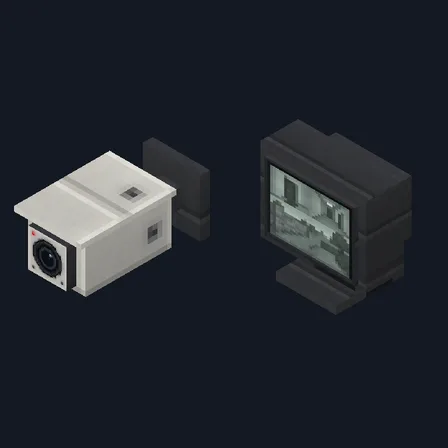
Block mod

Item mod
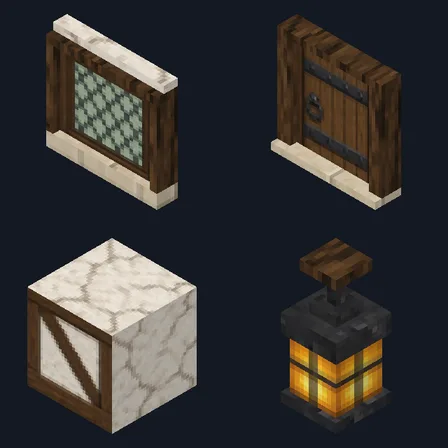
Block mod
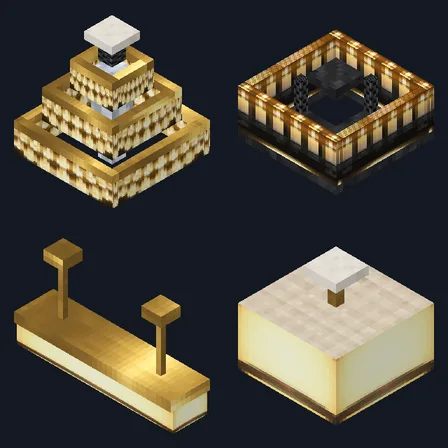
Block mod
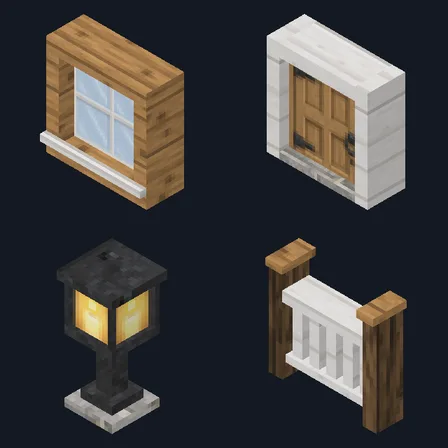
Block mod
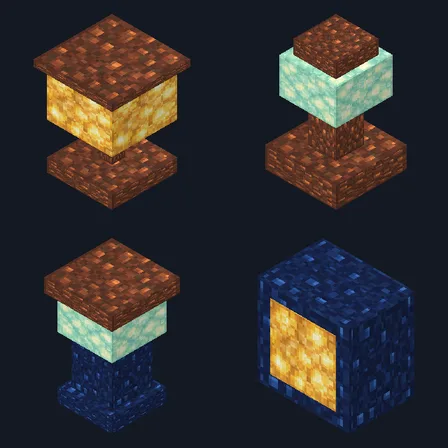
Block mod
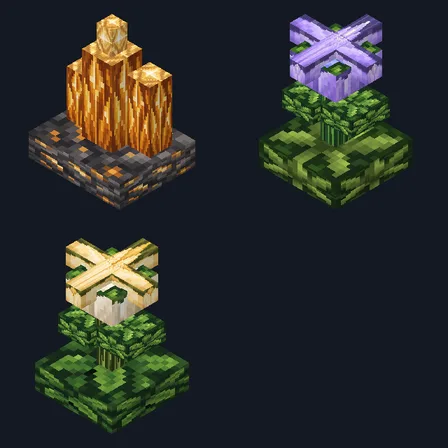
Block mod
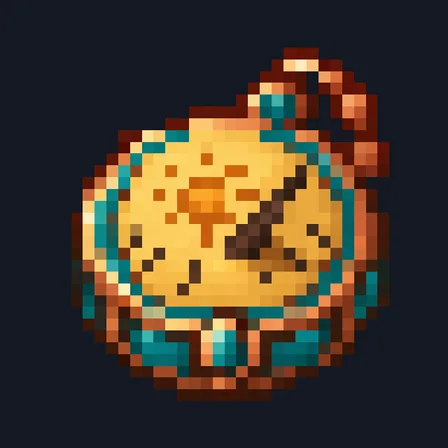
Item mod
The ModChest app for Android, iPhone and iPad keeps a list of everything it sends to Minecraft, and shows when one has an update. About the app