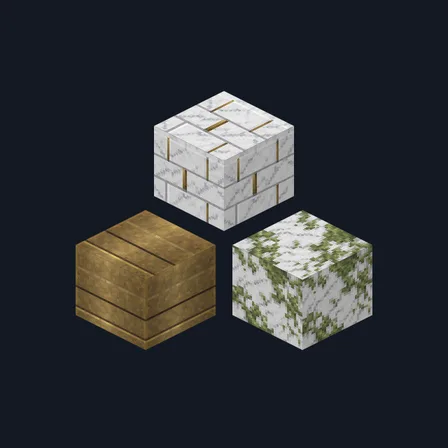
Marble Palace
Texture pack
Winter longhouse materials in glacial stone and frosted spruce
Free15 texturesTexture pack in Medieval and Natural & detailed
.mcpack file, 46 KB. Consoles and Java Edition can’t import packs.
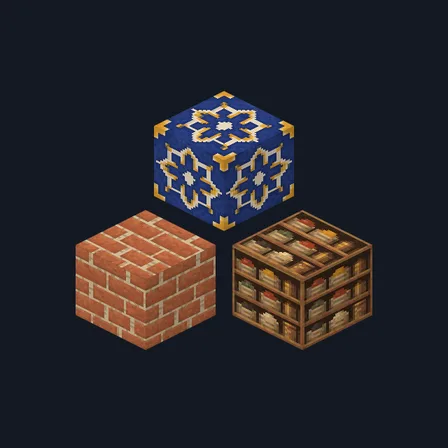
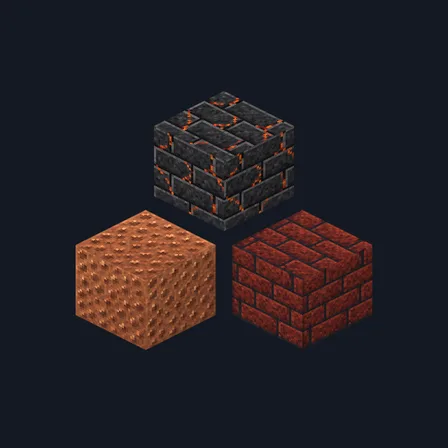
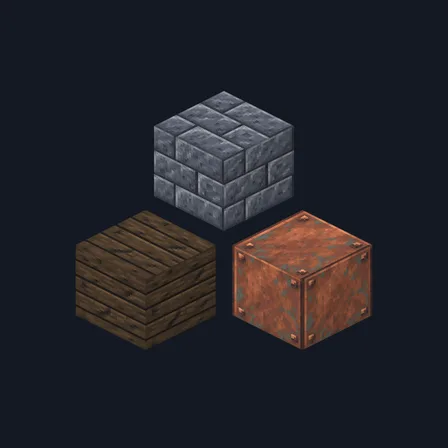
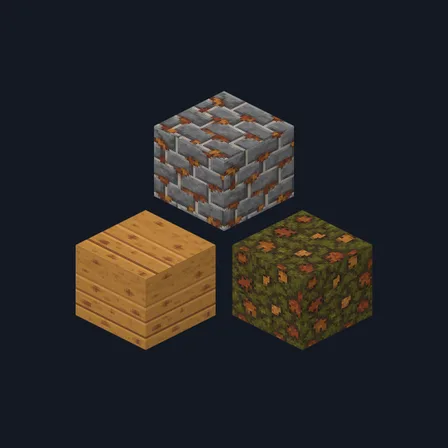
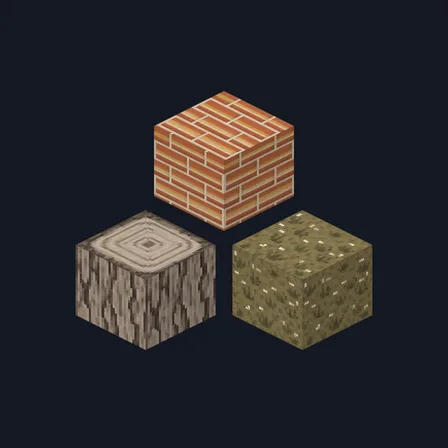
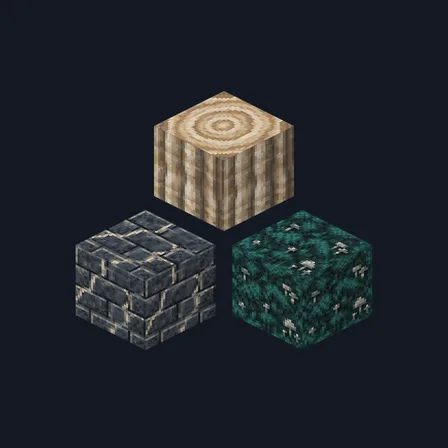
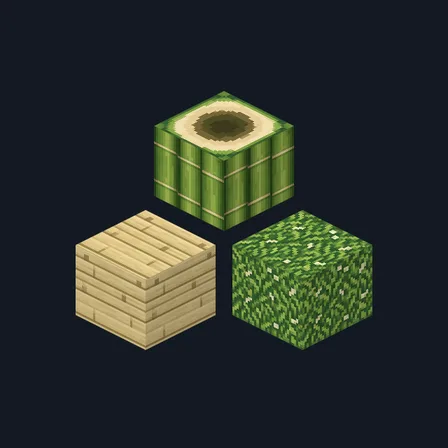
Viking Longhouse dresses a northern hall for deep winter. Pale blue-grey stone brick sits in frost-white mortar, a second course hangs with ice in its seams, and snow-dusted cobblestone rounds off beside plain glacial stone. Cold blue-grey spruce boards pair with snow-flecked bark and a pale ring-marked log top, and packed snow-white drift, chalk-veined calcite, silver-grey panelling and one deep fjord-teal accent carry the interior. A shelf of teal-bound books, cream knitted wool, a dark slate-blue slab and frost-touched moss complete the set. This is surface artwork only: nothing freezes, melts, glows or changes how any block behaves.
0.2.0
Updated
0.1.0
First release
Minecraft Bedrock shows its version number in the bottom-right corner of the main menu. Everything on ModChest is built for Bedrock 1.26.45 and newer, on Android, iPhone, iPad and Windows. If your number is lower, update Minecraft from the store you installed it from, then import the texture pack.
Where the file lands, how to open it with Minecraft, and what to do if the import fails.
Texture pack
Texture pack
Texture pack
Texture pack
Texture pack
Texture pack
Texture pack
Texture pack
The ModChest app for Android, iPhone and iPad keeps a list of everything it sends to Minecraft, and shows when one has an update. About the app