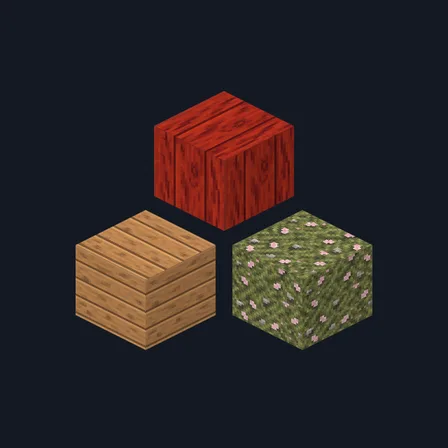
Cherry Blossom Shrine
Texture pack
Bamboo grove materials in fresh green, split cane and river stone
Free16 texturesTexture pack in Natural & detailed and Cozy
.mcpack file, 49 KB. Consoles and Java Edition can’t import packs.
Bamboo Grove builds a retreat in a green grove. Damp grey river stone brick sits in fine pale joints, a second course sends young bamboo shoots up through the seams, and rounded river cobblestone comes plain or overgrown with low bamboo grass. Plain river stone, a polished dark slate slab, warm terracotta brick and fibre-flecked cream rice-paper panel carry the walls. Pale split-cane boards with fine node lines pair with darker smoked bamboo, an upright green bamboo culm with clear node rings and a cut culm top showing its pale hollow ring, and a shelf of rolled mats and clay jars, rope-tan matting, a slate slab and fresh bamboo-grass turf finish the set. This is surface artwork only: nothing grows, no block glows and nothing behaves differently.
0.2.1
Redrew polished_blackstone so it tiles
0.2.0
Updated
0.1.0
First release
Minecraft Bedrock shows its version number in the bottom-right corner of the main menu. Everything on ModChest is built for Bedrock 1.26.45 and newer, on Android, iPhone, iPad and Windows. If your number is lower, update Minecraft from the store you installed it from, then import the texture pack.
Where the file lands, how to open it with Minecraft, and what to do if the import fails.
Texture pack
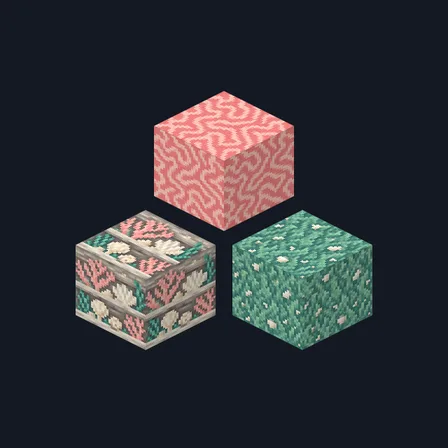
Texture pack
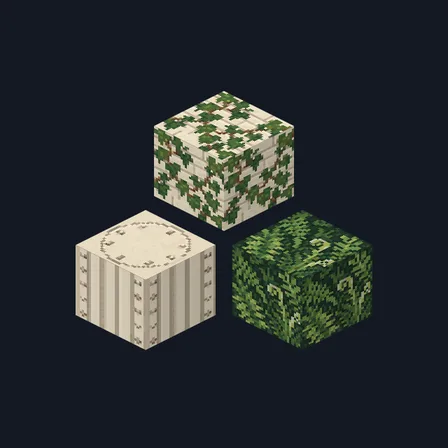
Texture pack
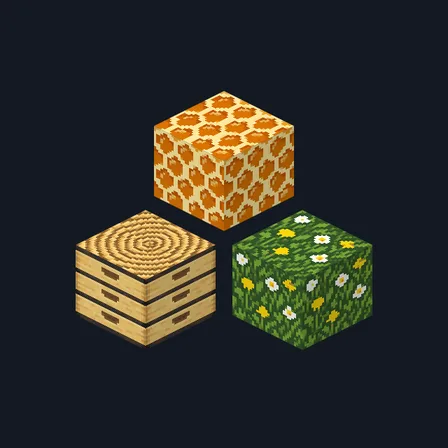
Texture pack
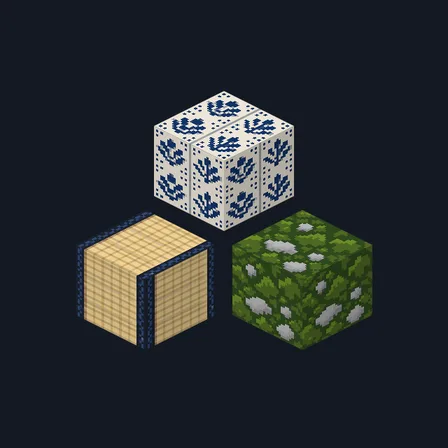
Texture pack
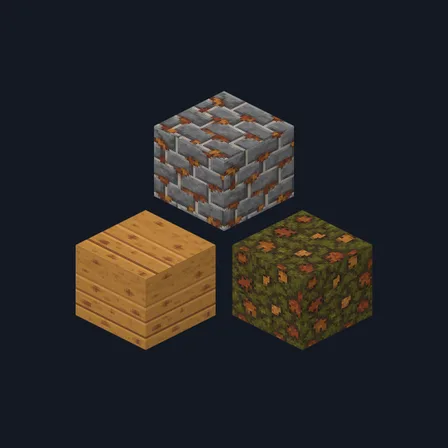
Texture pack
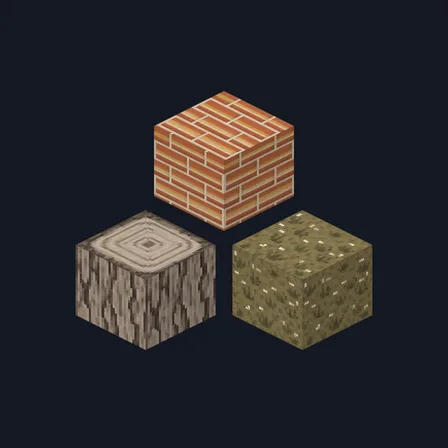
Texture pack
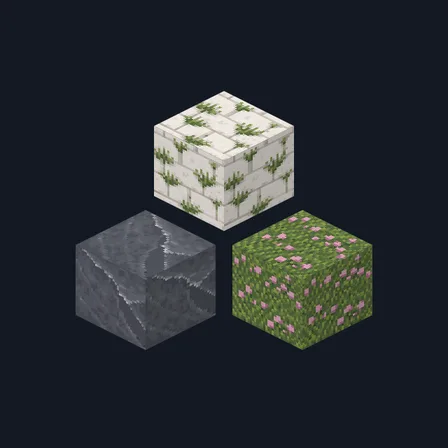
Texture pack
The ModChest app for Android, iPhone and iPad keeps a list of everything it sends to Minecraft, and shows when one has an update. About the app