Pale Ghost
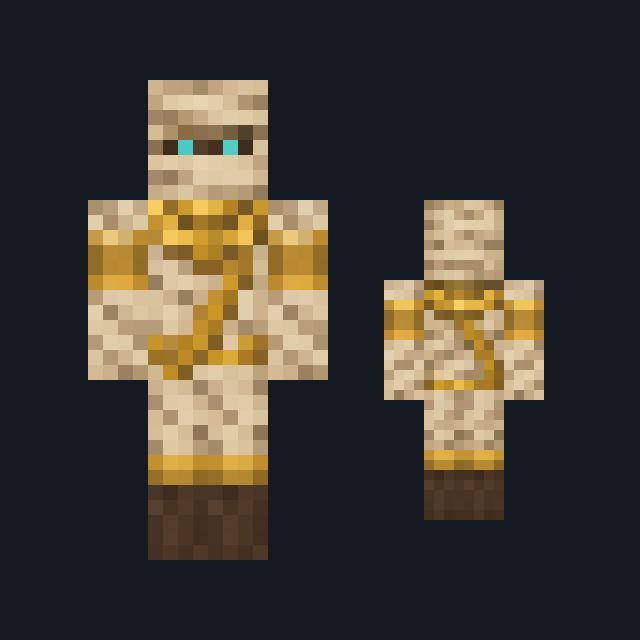
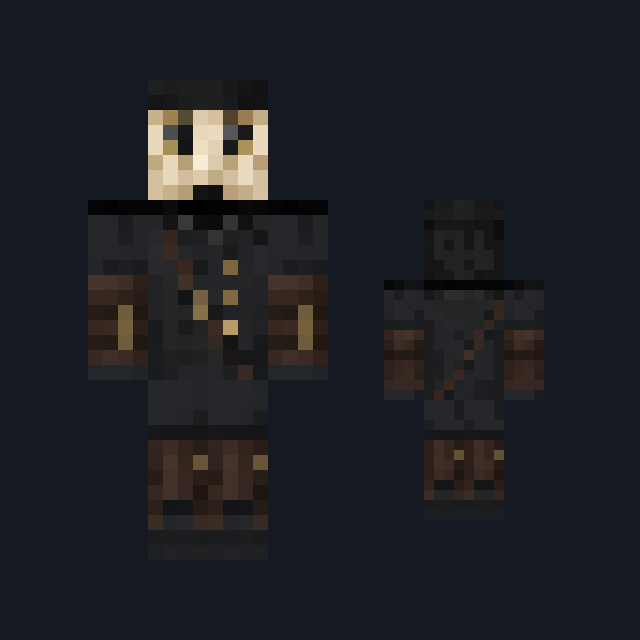
Chalk bone-white spectre with pale ice-blue eyes, stringy ash-white hair and a tattered mist-gray burial shroud over ragged gray leg wrappings.
Haunt your world as a pale spectre in a tattered gray shroud
FreeSkin in Horror & spooky and Fantasy
.mcpack file, 14 KB. Consoles and Java Edition can’t import packs.
Chalk bone-white spectre with pale ice-blue eyes, stringy ash-white hair and a tattered mist-gray burial shroud over ragged gray leg wrappings.
Classic arms are four pixels wide, like Steve’s; slim arms are three, like Alex’s. Pick whichever fits the outfit in the Dressing Room.
Pale Ghost is a quiet haunting rather than a jump scare. Chalk bone-white skin covers the head on every side, and the front of the head alone carries two pale ice-blue eyes ringed with slate gray above a soft gray mouth line; long stringy ash-white hair falls across the sides and back. A tattered mist-gray burial shroud covers the torso on every side, frayed along the hem and tied at the throat with a faint lavender-gray cord, and its short sleeves leave bare bone-white forearms. Ragged gray cloth wrappings cover both legs and wash out to pale cyan at the feet. This free Minecraft Bedrock .mcpack includes one original outfit in classic and slim arm fits. The skin changes how you look and nothing else: the washed-out colors only look see-through, and it gives no invisibility, no floating and no way to pass through blocks.
0.1.1
Corrected the description to match the art
0.1.0
First release
Minecraft Bedrock shows its version number in the bottom-right corner of the main menu. Everything on ModChest is built for Bedrock 1.26.45 and newer, on Android, iPhone, iPad and Windows. If your number is lower, update Minecraft from the store you installed it from, then import the skin.
Where the file lands, how to open it with Minecraft, and what to do if the import fails.

Skin
Skin

Skin

Skin

Skin
Skin

Skin pack

Skin
The ModChest app for Android, iPhone and iPad keeps a list of everything it sends to Minecraft, and shows when one has an update. About the app
