Bog Troll
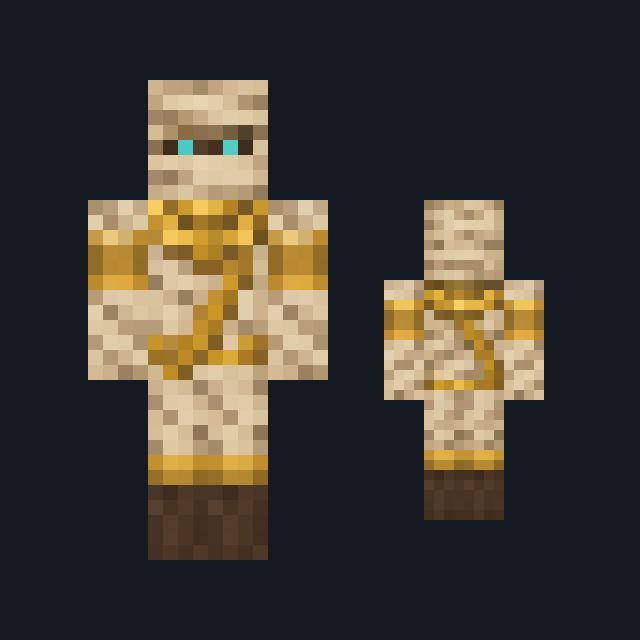
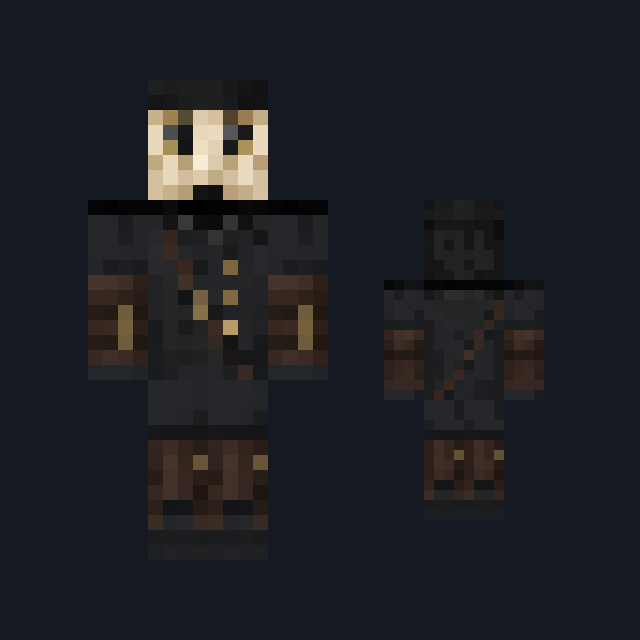
Rough moss-green hide with bold amber eyes and moss clumps over the head, mud-stained ochre burlap wrappings on the torso and upper arms, and muddy leg wraps above bare green feet.
Play as a mossy swamp troll wrapped in mud-stained burlap
FreeSkin in Horror & spooky and Fantasy
.mcpack file, 14 KB. Consoles and Java Edition can’t import packs.
Rough moss-green hide with bold amber eyes and moss clumps over the head, mud-stained ochre burlap wrappings on the torso and upper arms, and muddy leg wraps above bare green feet.
Classic arms are four pixels wide, like Steve’s; slim arms are three, like Alex’s. Pick whichever fits the outfit in the Dressing Room.
Bog Troll comes up out of the reeds. Clumps of dark bog-green moss and dull ochre reeds cover the crown, both sides and the back of the head, and the front of the head alone shows rough mottled moss-green hide with two bold amber eyes under a darker green brow. Mud-stained ochre-brown burlap wrappings cover the torso on every side and both upper arms, tied with a frayed peat-black cord, and the forearms stay bare moss-green hide under one ochre wrist wrap. Muddy brown wrapping cloth runs down both legs to broad bare green feet. This free Minecraft Bedrock .mcpack includes one original outfit in classic and slim arm fits. The skin changes how you look and nothing else: it gives no extra strength, no swamp breathing and no truce with hostile mobs.
0.1.0
First release
Minecraft Bedrock shows its version number in the bottom-right corner of the main menu. Everything on ModChest is built for Bedrock 1.26.45 and newer, on Android, iPhone, iPad and Windows. If your number is lower, update Minecraft from the store you installed it from, then import the skin.
Where the file lands, how to open it with Minecraft, and what to do if the import fails.

Skin
Skin

Skin

Skin

Skin
Skin

Skin pack

Skin
The ModChest app for Android, iPhone and iPad keeps a list of everything it sends to Minecraft, and shows when one has an update. About the app
