Dusk Ninja
Ink-blue mask and wraps, pale blue eyes, crimson headband and diagonal sash.
Masked ninja skin with an ink-blue outfit and crimson sash
FreeSkin in Fantasy
.mcpack file, 13 KB. Consoles and Java Edition can’t import packs.
Ink-blue mask and wraps, pale blue eyes, crimson headband and diagonal sash.
Classic arms are four pixels wide, like Steve’s; slim arms are three, like Alex’s. Pick whichever fits the outfit in the Dressing Room.
Dusk Ninja wears ink-blue cloth, a crimson headband and a diagonal red sash. A small eye opening, dark hand wraps and matching boots create a compact stealth-adventure look for parkour, night builds and roleplay. This free Minecraft Bedrock .mcpack includes one original outfit in classic and slim arm fits. The ninja outfit does not provide invisibility, speed or weapons.
0.1.0
First release
Minecraft Bedrock shows its version number in the bottom-right corner of the main menu. Everything on ModChest is built for Bedrock 1.26.45 and newer, on Android, iPhone, iPad and Windows. If your number is lower, update Minecraft from the store you installed it from, then import the skin.
Where the file lands, how to open it with Minecraft, and what to do if the import fails.
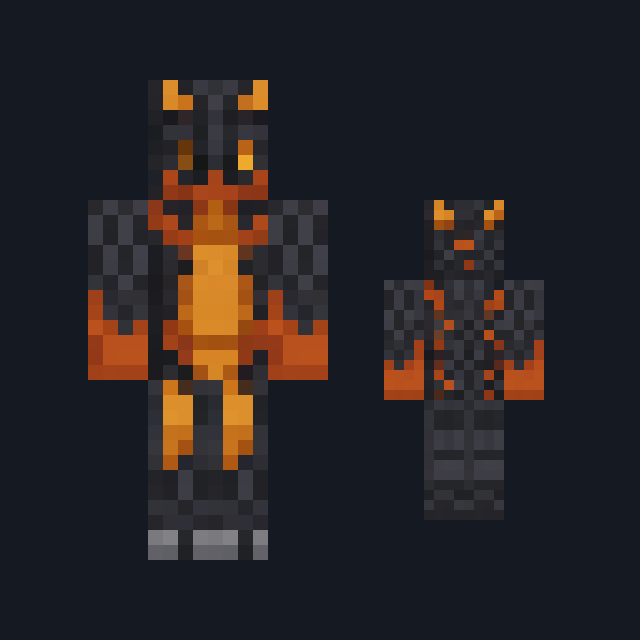
Skin
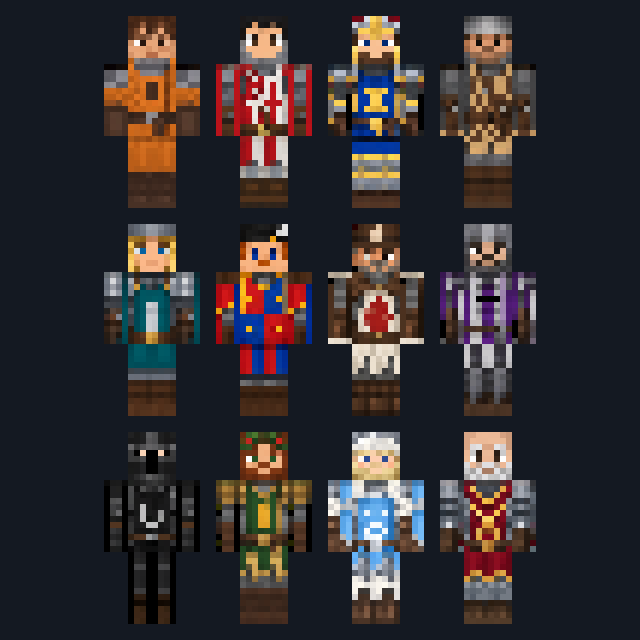
New skin pack

New skin pack
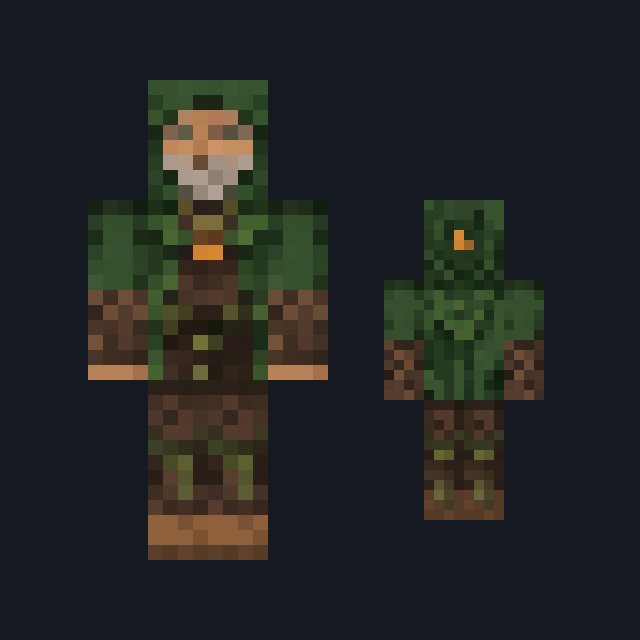
Skin

Skin

Skin

Skin

Skin
The ModChest app for Android, iPhone and iPad keeps a list of everything it sends to Minecraft, and shows when one has an update. About the app
