Squire
A young squire in a quilted orange padded coat and brown boots, with messy brown hair.
Twelve knights of one castle's order, each in its own heraldic colours
Free12 outfitsSkin pack in Fantasy and Adventure
.mcpack file, 116 KB. Consoles and Java Edition can’t import packs.
A young squire in a quilted orange padded coat and brown boots, with messy brown hair.
The order's banner bearer, in steel plate under a surcoat split crimson and white.
The tourney champion in gold-trimmed plate and a royal-blue surcoat, with red plumes on the helm.
A weathered crossbow sergeant in mail, a chequered tan and brown surcoat and a wide steel kettle hat.
A blonde shield maiden in grey mail and steel under a long teal surcoat.
The herald in a tabard quartered scarlet and blue with gold, and a black cap with a white feather.
A pilgrim knight in a white surcoat with a red scallop shell, under a dusty brown travel cloak and hat.
The stern gatehouse captain in steel plate under a surcoat striped purple and silver.
The black knight in blackened plate and a closed great helm, with a silver crescent on a black surcoat.
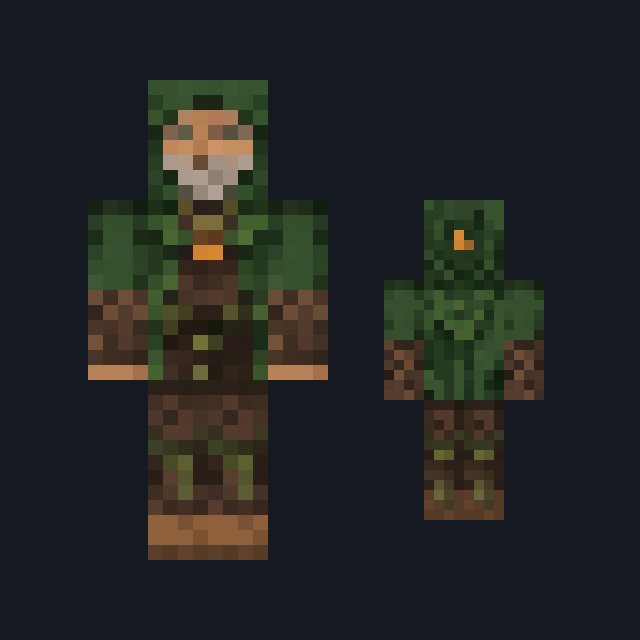
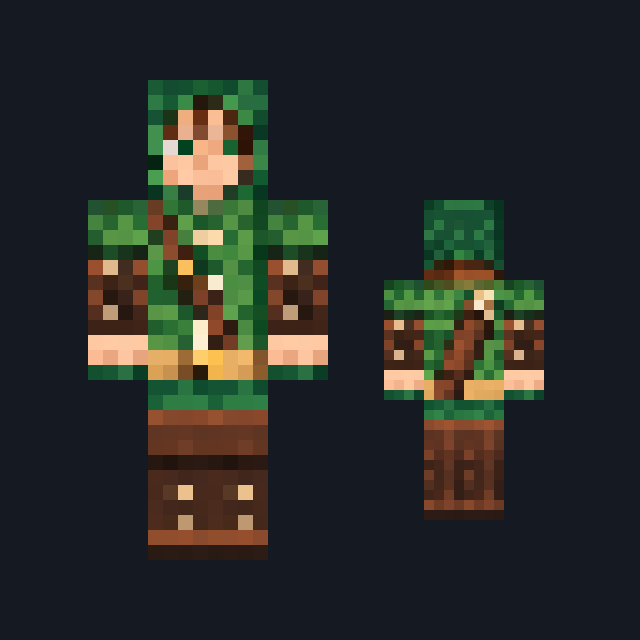
The green knight of the woods, in a green and gold surcoat and a crown of holly with red berries.
The winter knight in silver plate and a white fur mantle, with a white snowflake on an ice-blue surcoat.
The white-bearded old marshal in steel plate under a crimson surcoat, with gold at the chest.
Classic arms are four pixels wide, like Steve’s; slim arms are three, like Alex’s. Pick whichever fits the outfit in the Dressing Room.
Banner Knights dresses you as one member of a castle's order. Every outfit shares the same steel plate, grey mail and brown leather, worn under a surcoat in bold heraldic colours, so a group of friends reads as one household at a glance while each knight keeps a colour of their own.
The order runs from a freckled squire in a padded coat to the white-bearded old marshal, with a tourney champion, a crossbow sergeant, a shield maiden, a herald, a pilgrim knight, a gatehouse captain, a black knight, a green knight of the woods and a winter knight in fur between them. Faces stay open under coifs and caps, except the black knight's closed helm.
Every outfit comes in both the Classic and the Slim arm fit. These are skins only: they change how you look, not what you can do.
0.1.0
First release
Minecraft Bedrock shows its version number in the bottom-right corner of the main menu. Everything on ModChest is built for Bedrock 1.26.45 and newer, on Android, iPhone, iPad and Windows. If your number is lower, update Minecraft from the store you installed it from, then import the skin pack.
Where the file lands, how to open it with Minecraft, and what to do if the import fails.
Skin

Skin

Skin
Skin

Skin

Skin

Skin

Skin
The ModChest app for Android, iPhone and iPad keeps a list of everything it sends to Minecraft, and shows when one has an update. About the app


