Clockwork Robot
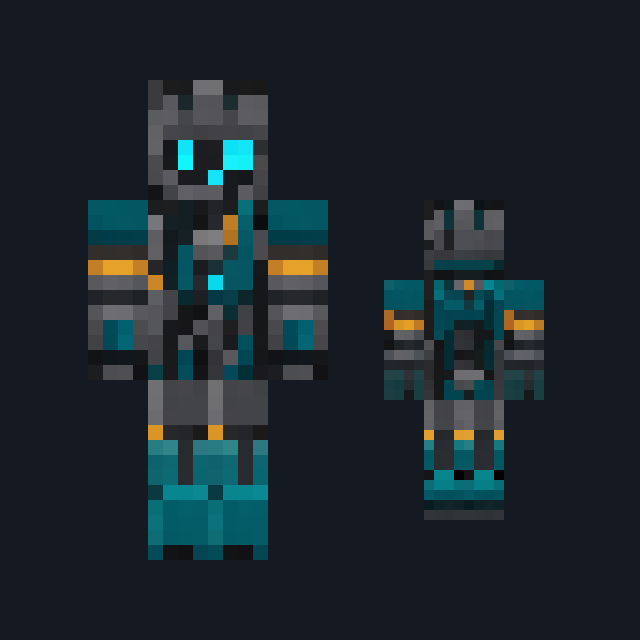
Riveted verdigris brass shell with an amber-lens face plate, gear boss and iron limbs.
Clockwork automaton skin in riveted verdigris brass
FreeSkin in Sci-fi & space and Fantasy
.mcpack file, 14 KB. Consoles and Java Edition can’t import packs.
Riveted verdigris brass shell with an amber-lens face plate, gear boss and iron limbs.
Classic arms are four pixels wide, like Steve’s; slim arms are three, like Alex’s. Pick whichever fits the outfit in the Dressing Room.
Clockwork Robot is a wound-up machine rather than a person. The head is a riveted brass shell weathered to verdigris green on every side, and the front of the head alone carries a darker brass face plate with two round pale amber lens eyes and a small vent slot beneath them; the sides and back stay plain riveted shell, and a small brass winding key stub sits on the crown. The chest plate is verdigris brass with a round brass gear boss at its centre, two vertical riveted seams and a dark iron collar band. The arms are brass sleeve segments with rivet rings at the elbow above dark iron hand plates, and dark iron legs carry verdigris brass knee discs over heavy flat iron feet. This free Minecraft Bedrock .mcpack includes one original outfit in classic and slim arm fits. The lens eyes are painted amber, not a light source; no mechanism turns, and the pack changes appearance only.
0.2.0
First release
Minecraft Bedrock shows its version number in the bottom-right corner of the main menu. Everything on ModChest is built for Bedrock 1.26.45 and newer, on Android, iPhone, iPad and Windows. If your number is lower, update Minecraft from the store you installed it from, then import the skin.
Where the file lands, how to open it with Minecraft, and what to do if the import fails.
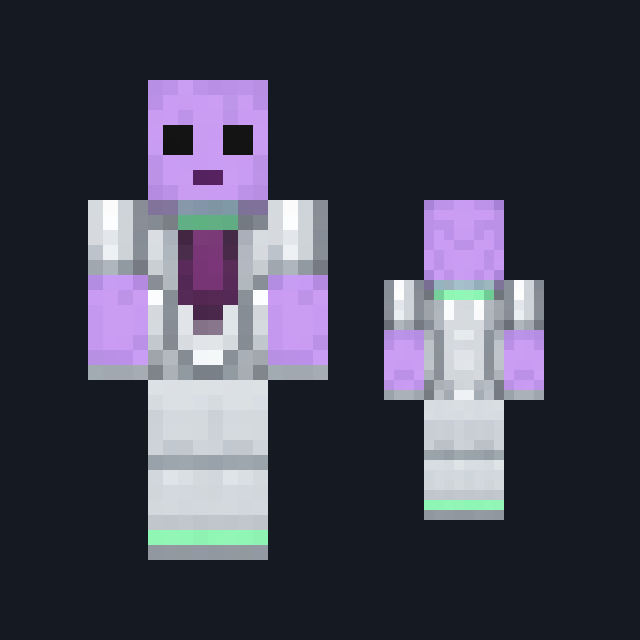
Skin
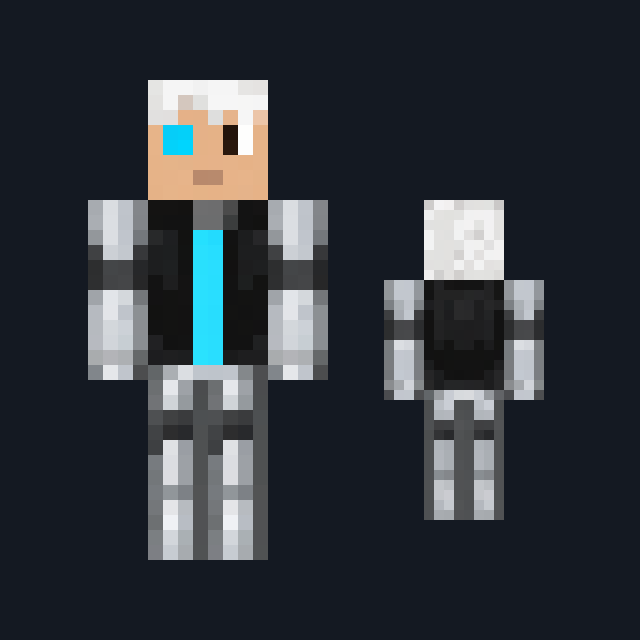
Skin
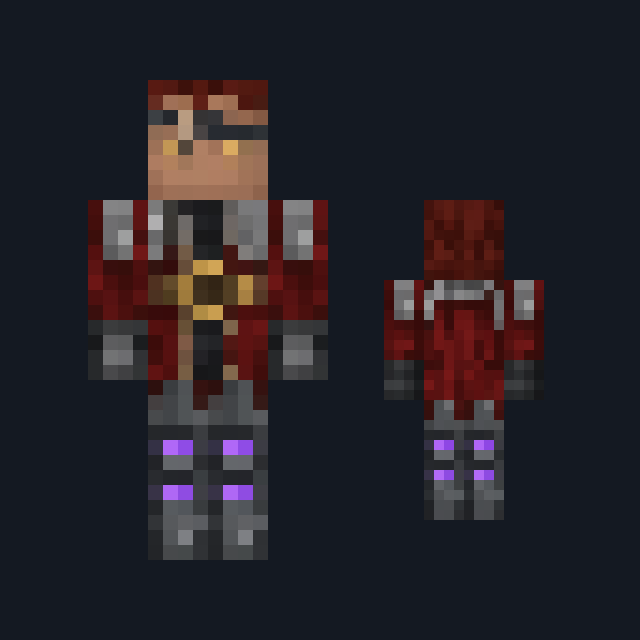
Skin
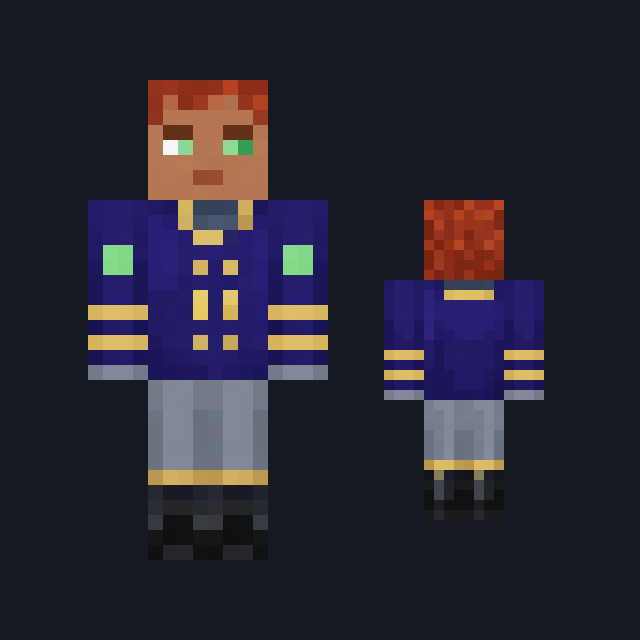
Skin

Skin

Skin

Skin
Skin
The ModChest app for Android, iPhone and iPad keeps a list of everything it sends to Minecraft, and shows when one has an update. About the app
