Rift Block Survival
World
Build by day, ring the bell and defend your beacon for 10 waves
Early accessWorld in Survival Challenges
Free on 13 November
Its free download opens here on 13 November, with no account needed.
Consoles and Java Edition can’t import packs.
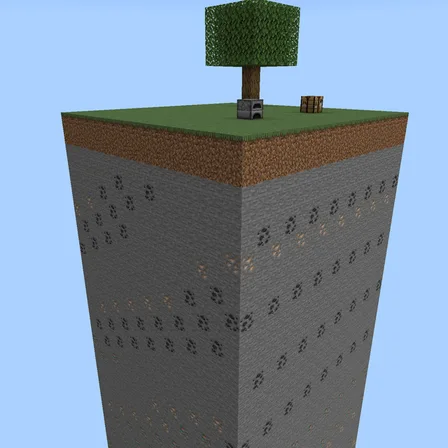
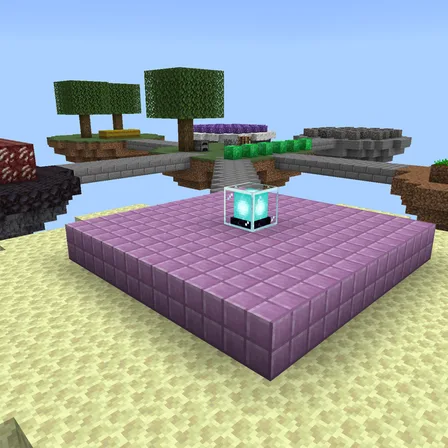
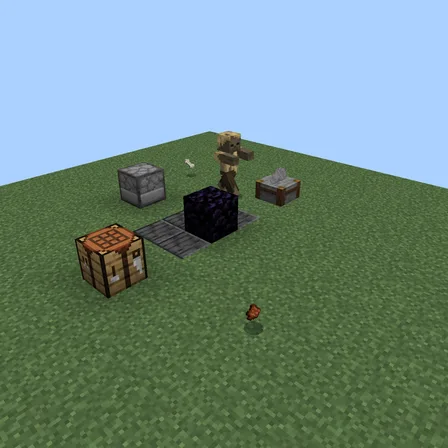
Land in a circular void arena with trees, ore, workstations and a regenerating cobblestone block. Mine and craft without a timer, build walls and firing positions, then use the bell when the team is ready. Attackers enter around the rim and press toward the beacon; any that reach it sacrifice themselves to damage its shared 100 health.
Clear a wave to earn iron, food and later arrows for every active player. A breach resets only the current wave, leaving your arena and earlier wins intact. Enemy counts scale for 1–4 players, Keep Inventory is on, and falling returns you to the arena. Clear wave 10 to complete the defense.
1.0.1
The world's icon in Minecraft is now a picture taken in the world
1.0.0
First release
Minecraft Bedrock shows its version number in the bottom-right corner of the main menu. Everything on ModChest is built for Bedrock 1.26.45 and newer, on Android, iPhone, iPad and Windows. If your number is lower, update Minecraft from the store you installed it from, then import the world.
Where the file lands, how to open it with Minecraft, and what to do if the import fails.
The ModChest app for Android, iPhone and iPad keeps a list of everything it sends to Minecraft, and shows when one has an update. About the app