Steampunk Brass
Texture pack
Void sanctum materials in bone stone and violet-black glass
Free16 texturesTexture pack in Fantasy and Modern
.mcpack file, 16 KB. Consoles and Java Edition can’t import packs.
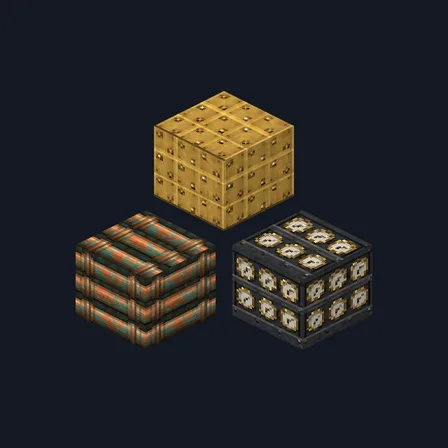
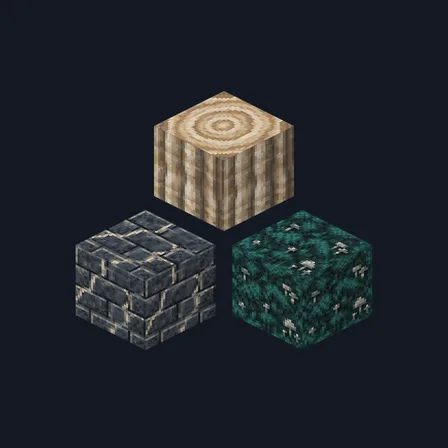
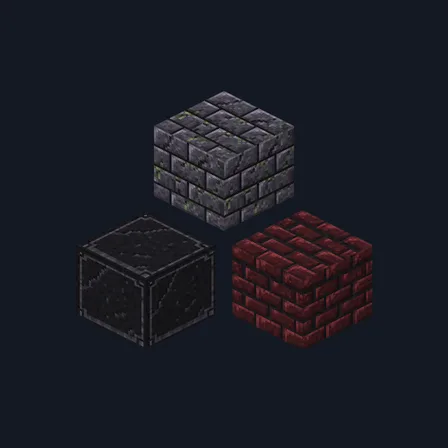
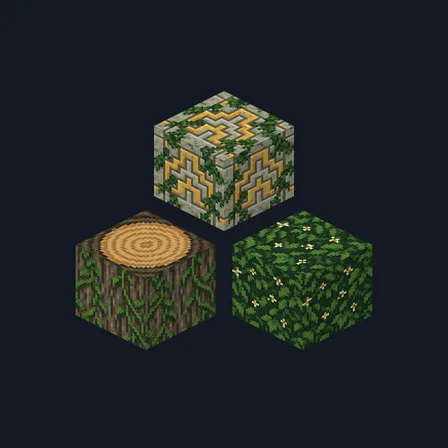
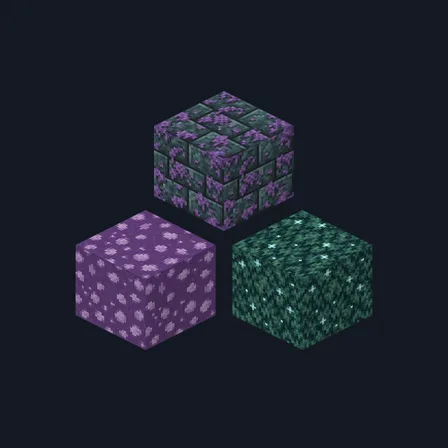
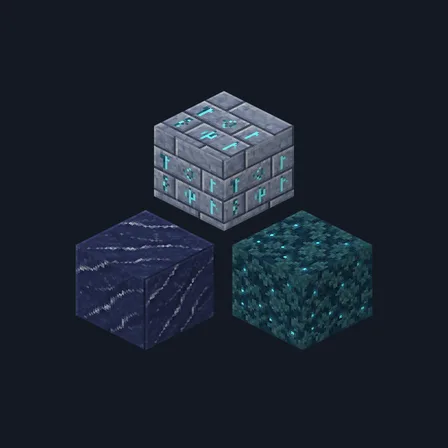
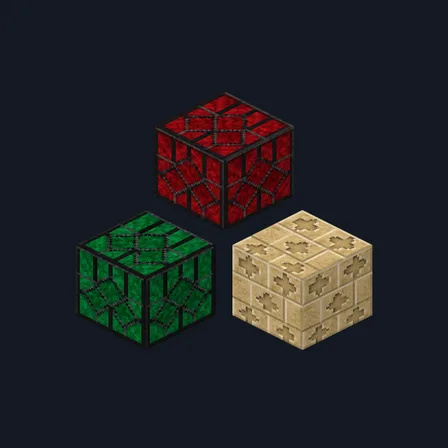
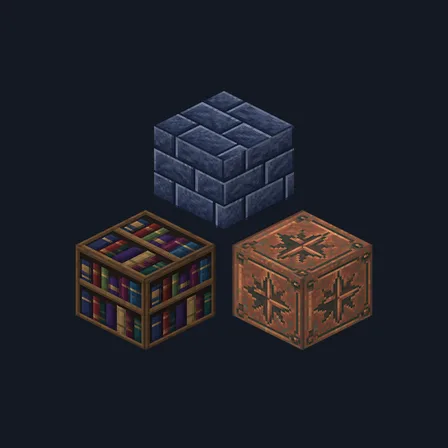
Void Sanctum builds somewhere quiet and far from anywhere. Pale bone-yellow cut stone brick sits in fine grey joints, a second course runs thin pale mint seams through some blocks, and bone rubble cobblestone comes plain or with muted lilac dust settled in the gaps. Plain bone stone, a polished violet-black glass slab with a faint lilac sheen, muted lilac fired brick and grey-flecked chalk-cream plaster carry the walls. Cool ash-grey boards pair with deep violet-stained planks, finely grooved pale spindle bark and a bone ringed log top, and a shelf of lilac and bone volumes, pale lilac lattice cloth, a violet-black slab and mint-grey lichen over bone stone finish the set. The mint seams are painted colour in thin lines, not light: nothing here glows, brightens a room or changes how any block behaves.
0.2.0
Updated
0.1.0
First release
Minecraft Bedrock shows its version number in the bottom-right corner of the main menu. Everything on ModChest is built for Bedrock 1.26.45 and newer, on Android, iPhone, iPad and Windows. If your number is lower, update Minecraft from the store you installed it from, then import the texture pack.
Where the file lands, how to open it with Minecraft, and what to do if the import fails.
Texture pack
Texture pack
Texture pack
Texture pack
Texture pack
Texture pack
Texture pack
Texture pack
The ModChest app for Android, iPhone and iPad keeps a list of everything it sends to Minecraft, and shows when one has an update. About the app