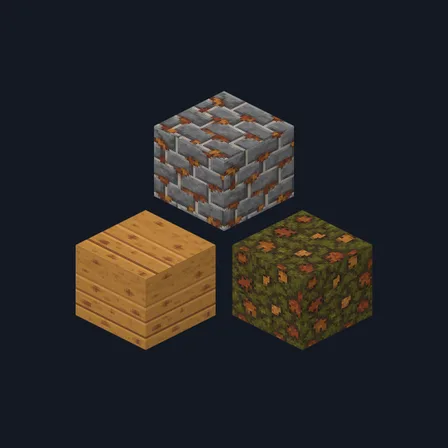
Autumn Lodge
Texture pack
Detailed natural building materials with mineral grain and cut masonry
Free16 texturesTexture pack in Natural & detailed and Rustic
.mcpack file, 47 KB. Consoles and Java Edition can’t import packs.
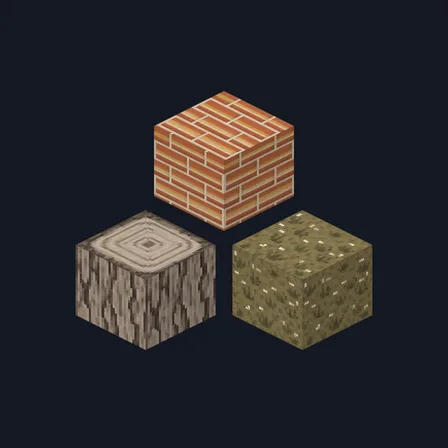
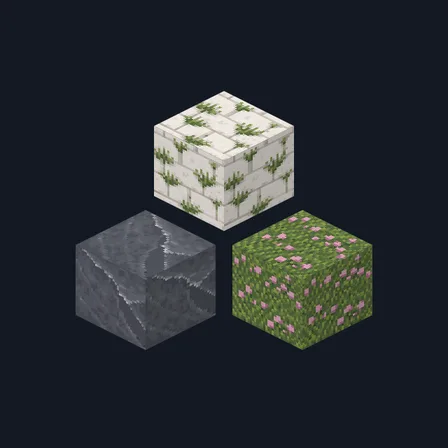
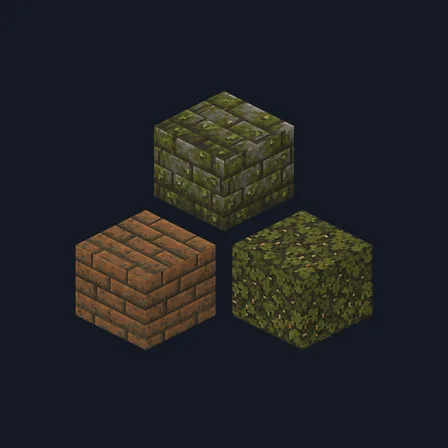
Build around the small imperfections of real materials. Strata Stonework translates mineral flecks, rough stone bedding and saw-cut grain into dense, careful pixels. Tawny oak, dark spruce, limestone-colored sandstone and bruised copper create an earthy palette for quarries, lodges and stone houses. This is detailed pixel art at 32×32, without PBR maps, RTX effects or a whole-world photorealistic overhaul.
0.1.2
Redrew copper_block so it tiles
0.1.1
Updated
0.1.0
First release
Minecraft Bedrock shows its version number in the bottom-right corner of the main menu. Everything on ModChest is built for Bedrock 1.26.45 and newer, on Android, iPhone, iPad and Windows. If your number is lower, update Minecraft from the store you installed it from, then import the texture pack.
Where the file lands, how to open it with Minecraft, and what to do if the import fails.
Texture pack
Texture pack
Texture pack
Texture pack
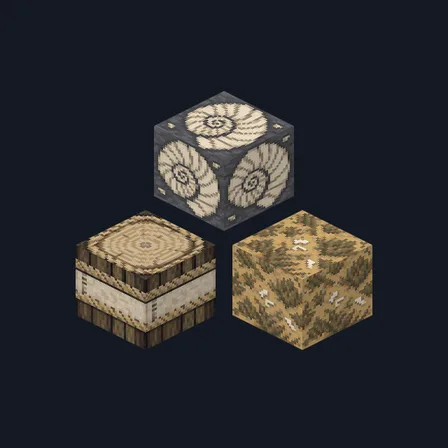
Texture pack
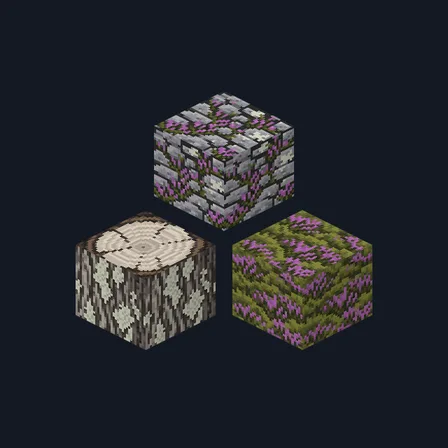
Texture pack
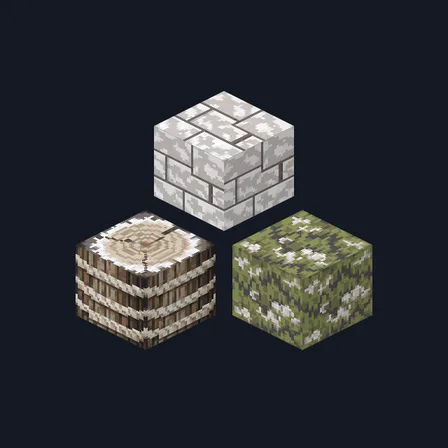
Texture pack
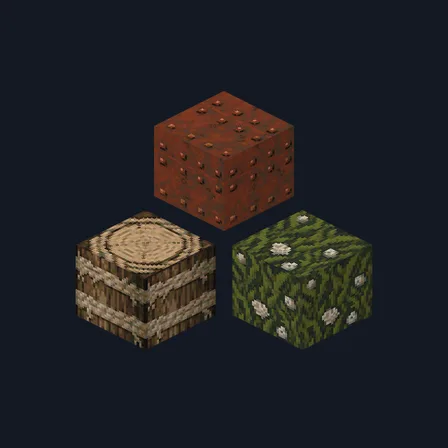
Texture pack
The ModChest app for Android, iPhone and iPad keeps a list of everything it sends to Minecraft, and shows when one has an update. About the app