Penguin Hoodie
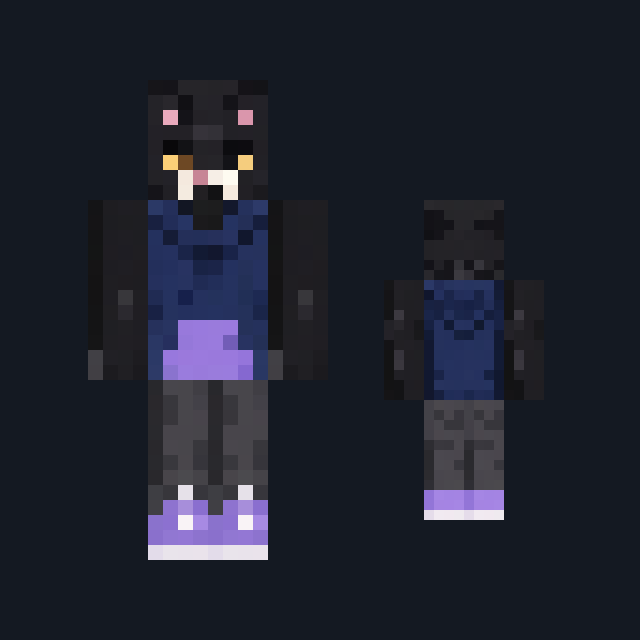
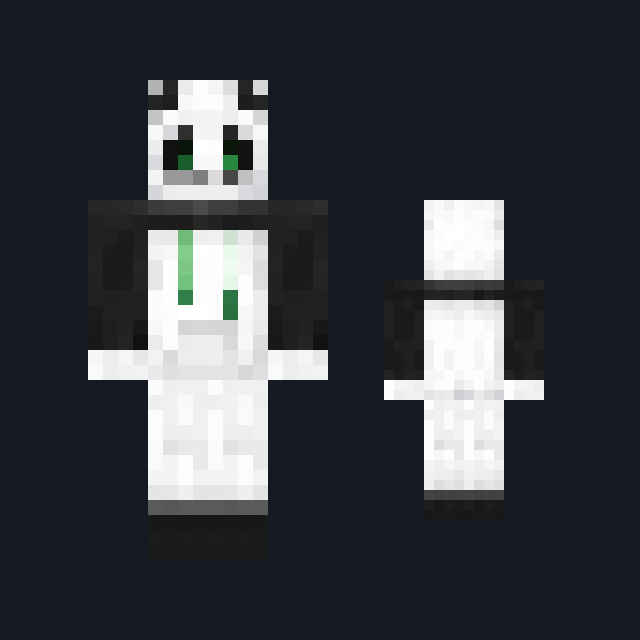
Ink-black penguin hood with a white face, sky-blue eyes and a tangerine beak, a white-bellied black hoodie and tangerine boots.
Play as a penguin in a black hoodie with an orange beak hood
FreeSkin in Animals and Casual & cozy
.mcpack file, 11 KB. Consoles and Java Edition can’t import packs.
Ink-black penguin hood with a white face, sky-blue eyes and a tangerine beak, a white-bellied black hoodie and tangerine boots.
Classic arms are four pixels wide, like Steve’s; slim arms are three, like Alex’s. Pick whichever fits the outfit in the Dressing Room.
Penguin Hoodie sets a rounded white face inside an ink-black hood, with two bold sky-blue eyes and a tangerine-orange beak between them. The black pullover carries a broad white belly panel down the front and a white flash at each shoulder, black sleeves end in tangerine cuffs, and slate-black joggers finish in tangerine boots. It suits snow biomes, icy spawn builds and winter roleplay. This free Minecraft Bedrock .mcpack holds one outfit in classic and slim arm fits. The skin changes how you look and nothing else: it gives no protection from the cold and no swimming speed.
0.1.1
Corrected the description to match the art
0.1.0
First release
Minecraft Bedrock shows its version number in the bottom-right corner of the main menu. Everything on ModChest is built for Bedrock 1.26.45 and newer, on Android, iPhone, iPad and Windows. If your number is lower, update Minecraft from the store you installed it from, then import the skin.
Where the file lands, how to open it with Minecraft, and what to do if the import fails.
Skin
New skin pack

New skin pack

Skin

Skin

Skin

Skin
Skin
The ModChest app for Android, iPhone and iPad keeps a list of everything it sends to Minecraft, and shows when one has an update. About the app
