Barista
Mustard cloth cap, terracotta shirt rolled to the elbow, deep charcoal apron on cream straps and dark olive trousers.
Coffee-shop barista skin in a charcoal apron and cloth cap
FreeSkin in Casual & cozy
.mcpack file, 11 KB. Consoles and Java Edition can’t import packs.
Mustard cloth cap, terracotta shirt rolled to the elbow, deep charcoal apron on cream straps and dark olive trousers.
Classic arms are four pixels wide, like Steve’s; slim arms are three, like Alex’s. Pick whichever fits the outfit in the Dressing Room.
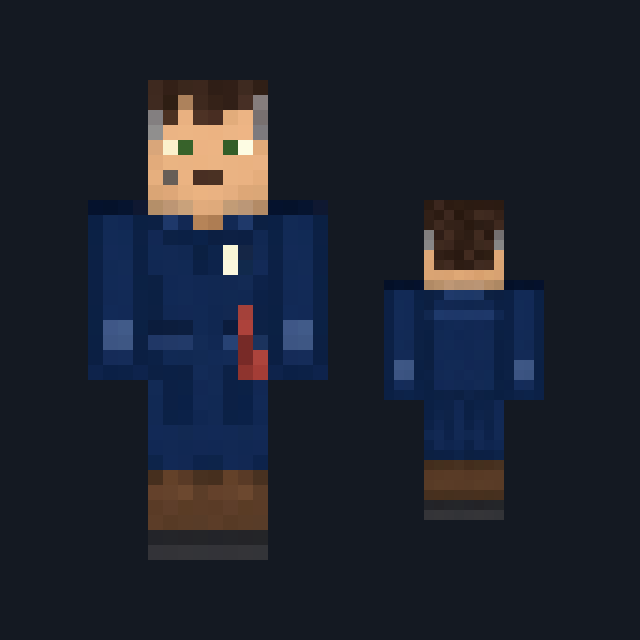
Barista wears a soft mustard cloth cap pulled down over copper-red hair, with bold sky-blue eyes and freckles across a fair face. A warm terracotta shirt covers the torso and shoulders on every side, rolled to the elbow so the forearms stay bare, and a deep charcoal apron hangs over the front on two cream straps, tied in a knot across the back. Dark olive trousers and flat black shoes keep it tidy for a shift behind the counter. It suits village cafés, market stalls and shopkeeper roleplay. This free Minecraft Bedrock .mcpack holds one outfit in classic and slim arm fits. The skin changes how you look and nothing else: it brews nothing, holds no cup and adds no new food.
0.1.0
First release
Minecraft Bedrock shows its version number in the bottom-right corner of the main menu. Everything on ModChest is built for Bedrock 1.26.45 and newer, on Android, iPhone, iPad and Windows. If your number is lower, update Minecraft from the store you installed it from, then import the skin.
Where the file lands, how to open it with Minecraft, and what to do if the import fails.

New skin pack

Skin

Skin

Skin

Skin

Skin

Skin
The ModChest app for Android, iPhone and iPad keeps a list of everything it sends to Minecraft, and shows when one has an update. About the app
